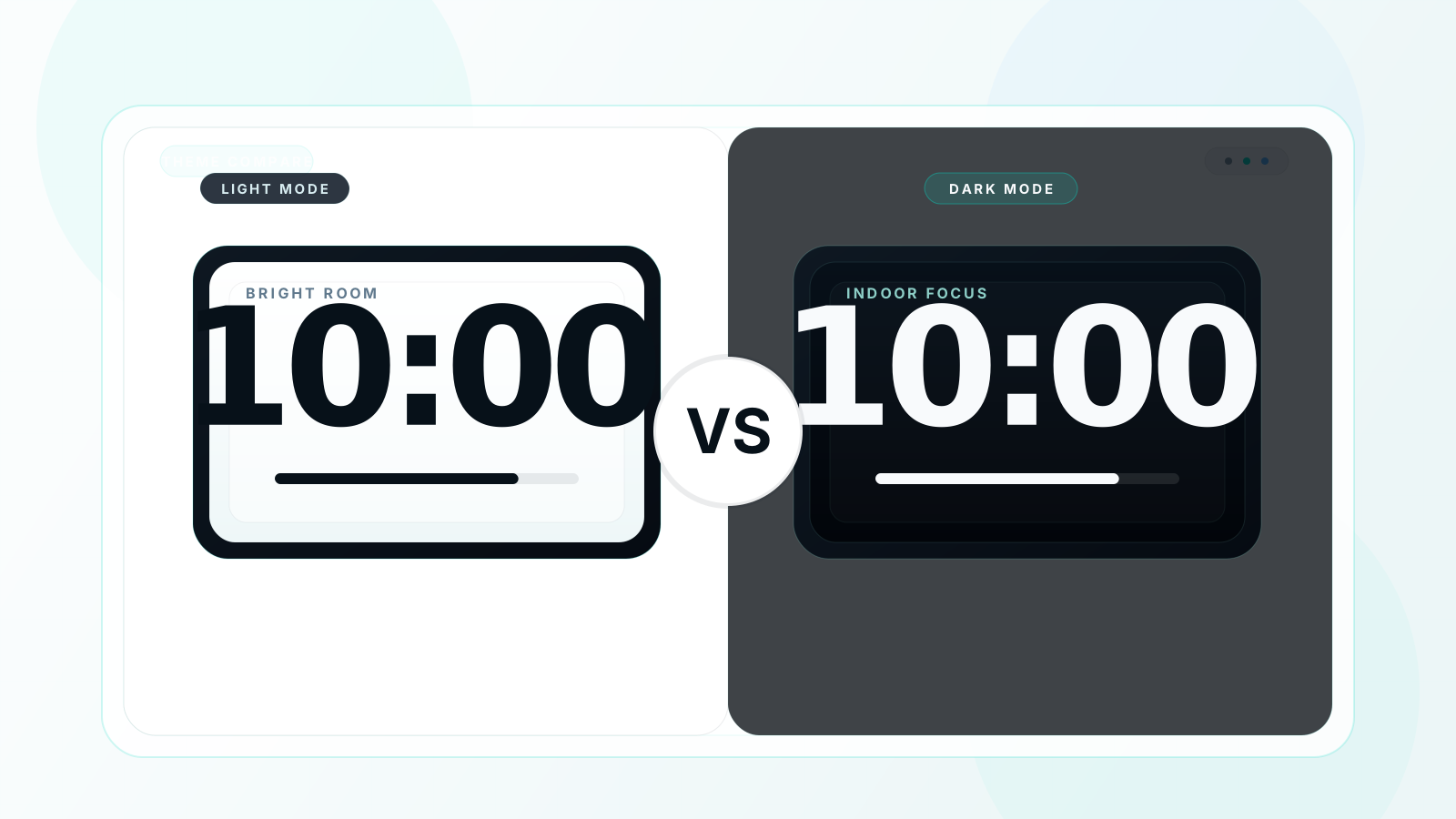
If you are choosing between a white screen timer and a black screen timer, you are really choosing between two different display strategies. One favors bright environments and visual familiarity. The other favors contrast, comfort, and focus. The best answer is not universal, but it is highly predictable once you know the room, the device, and the task.
Quick Answer
⚡ Quick Answer
- Indoor focus sessions and Pomodoro work
- Presentations, projectors, and large displays
- AMOLED devices and night use
- Meditation or low-distraction environments
- Bright outdoor environments
- Daylit LCD monitor setups
- Printed or screenshot-first materials
- Cases where you want a lighter UI match
Can't decide? Start with black. It wins in most indoor use cases, and you can switch to light later without resetting the timer.
Head-to-Head Comparison Table
| Metric | ⚪ White Screen Timer | ⚫ Black Screen Timer | 🏆 Winner |
|---|---|---|---|
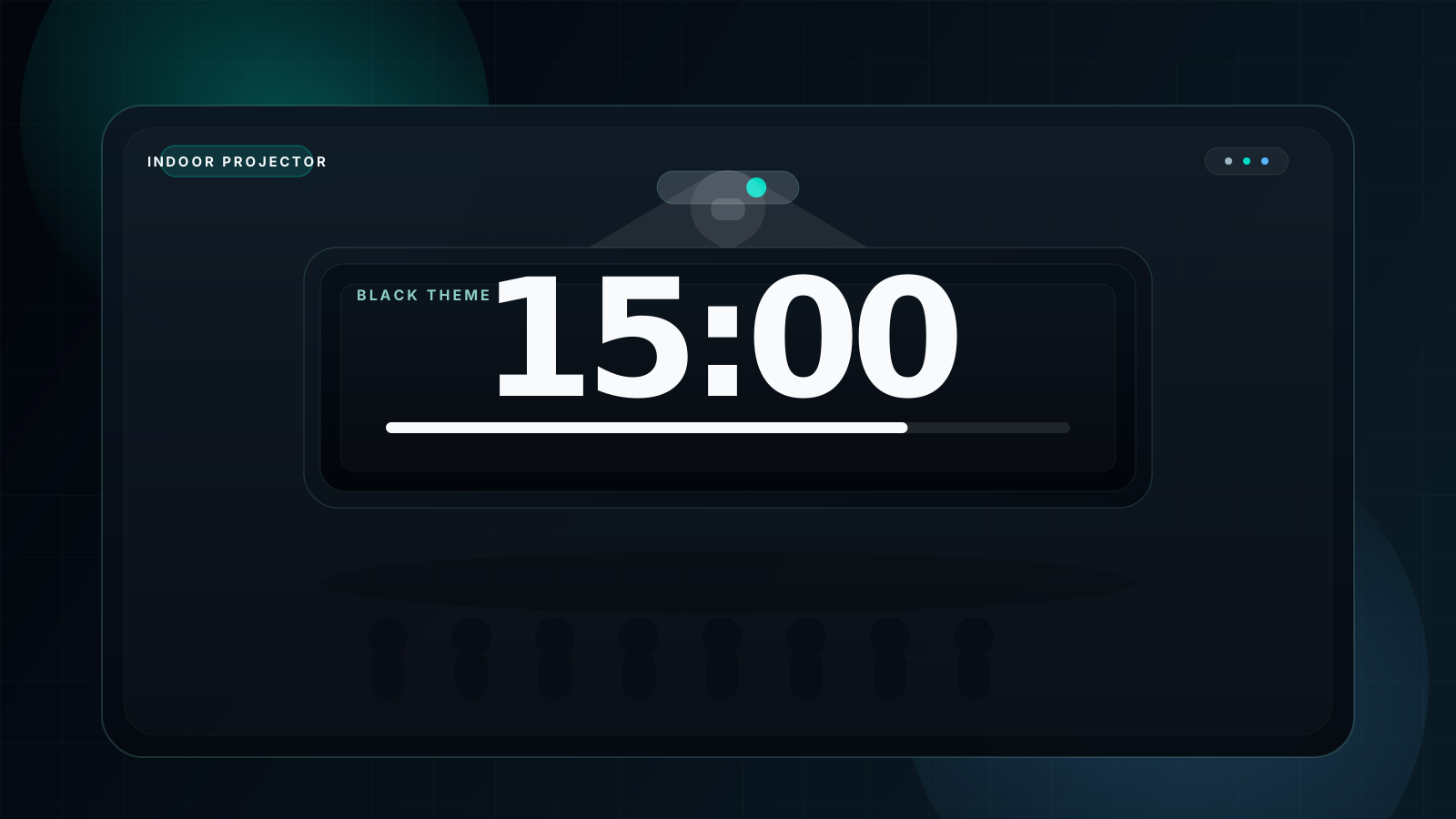
| Indoor projector clarity | ⚠️ Can wash out | ✅ Extremely clear | Black screen |
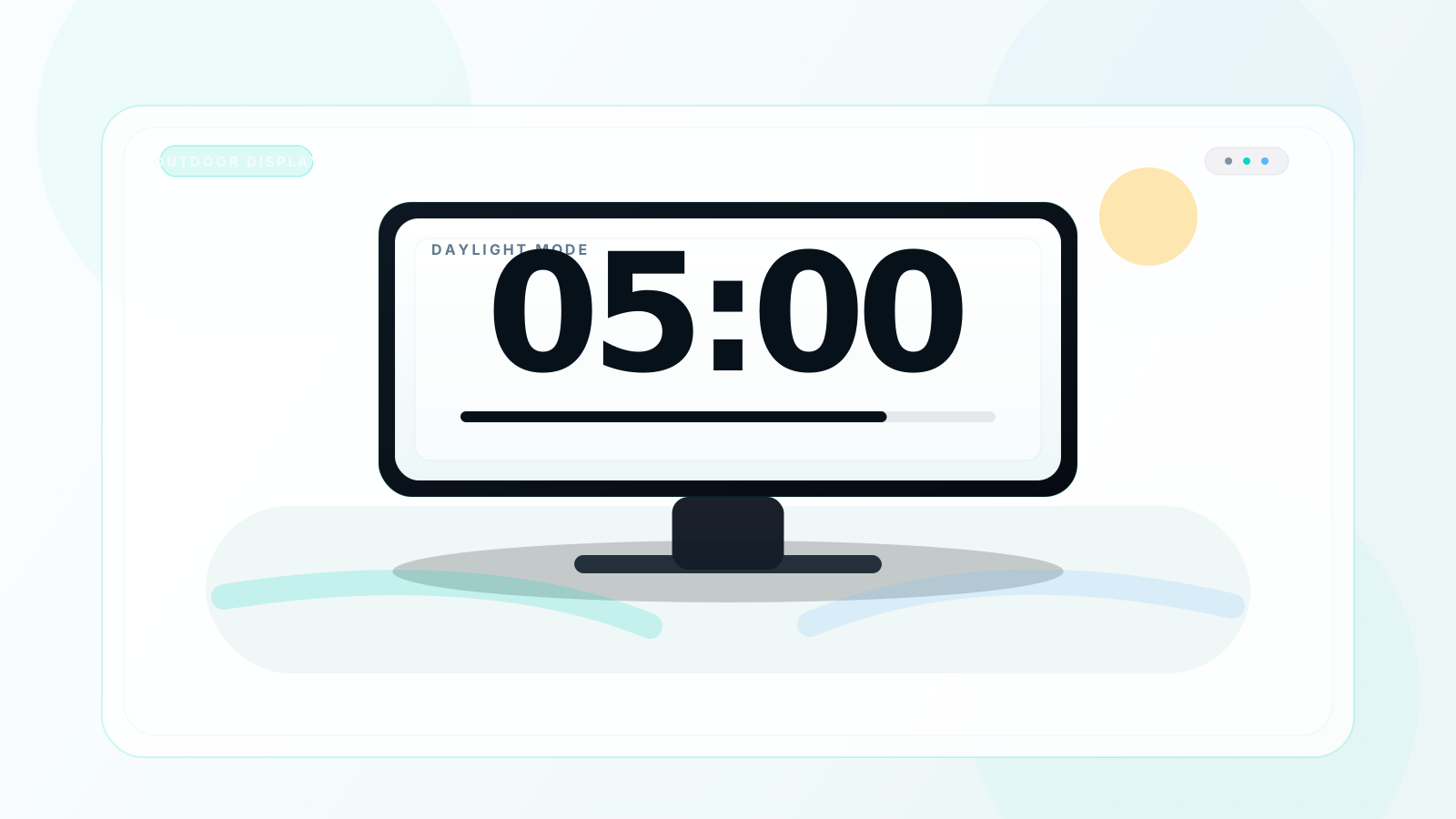
| Outdoor strong-light visibility | ✅ Better in direct light | ⚠️ Harder to read | White screen |
| Long-session eye comfort | ⚠️ Can feel harsh | ✅ More comfortable | Black screen |
| Night or low-light rooms | ❌ Too bright | ✅ Ideal | Black screen |
| AMOLED battery savings | ❌ Higher draw | ✅ Lower draw | Black screen |
| LCD battery savings | ➖ Similar | ➖ Similar | Tie |
| Focus ritual effect | ⚠️ Moderate | ✅ Strong | Black screen |
| Professional visual feel | ⚠️ Neutral | ✅ More premium | Black screen |
| Print or screenshot output | ✅ More print-friendly | ❌ Less print-friendly | White screen |
| Bright classroom beside whiteboard | ✅ Blends naturally | ⚠️ Higher visual contrast | White screen |
| Blue-light load | ❌ Higher | ✅ Lower | Black screen |
| Setup difficulty | ✅ Easy | ✅ Easy | Tie |
When White Screen Timer Wins
☀️ Outdoor events and sports
Under direct sunlight, black backgrounds can look muted or reflective. A white screen timer stays easier to see on bright LCD displays.
🏫 Bright classrooms without projectors
If the timer lives on a local monitor instead of a projected screen, white can match the room better and feel less visually abrupt beside a whiteboard.
🖨️ Screenshot and print workflows
White backgrounds integrate more easily into handouts, print materials, and light-theme slide decks when the timer needs to be captured, not just displayed.
💡 Light UI consistency
When the whole presentation environment is already white or light gray, a white timer can feel visually consistent rather than intentionally contrast-heavy.
When Black Screen Timer Wins
🌑 Indoor projectors and stage screens
Black screen timers keep projector digits crisp while bright white backgrounds often flatten contrast and reduce legibility from a distance.
🧠 Deep focus and Pomodoro work
For concentration, black wins because it removes visual noise and strengthens the ritual effect of starting a work block. Use it with a Pomodoro timer routine.
🌙 Night sessions and low light
White screens behave like flashlights in dark rooms. Black backgrounds feel calmer, less intrusive, and more compatible with late-night work or wind-down use.
📱 AMOLED phones and tablets
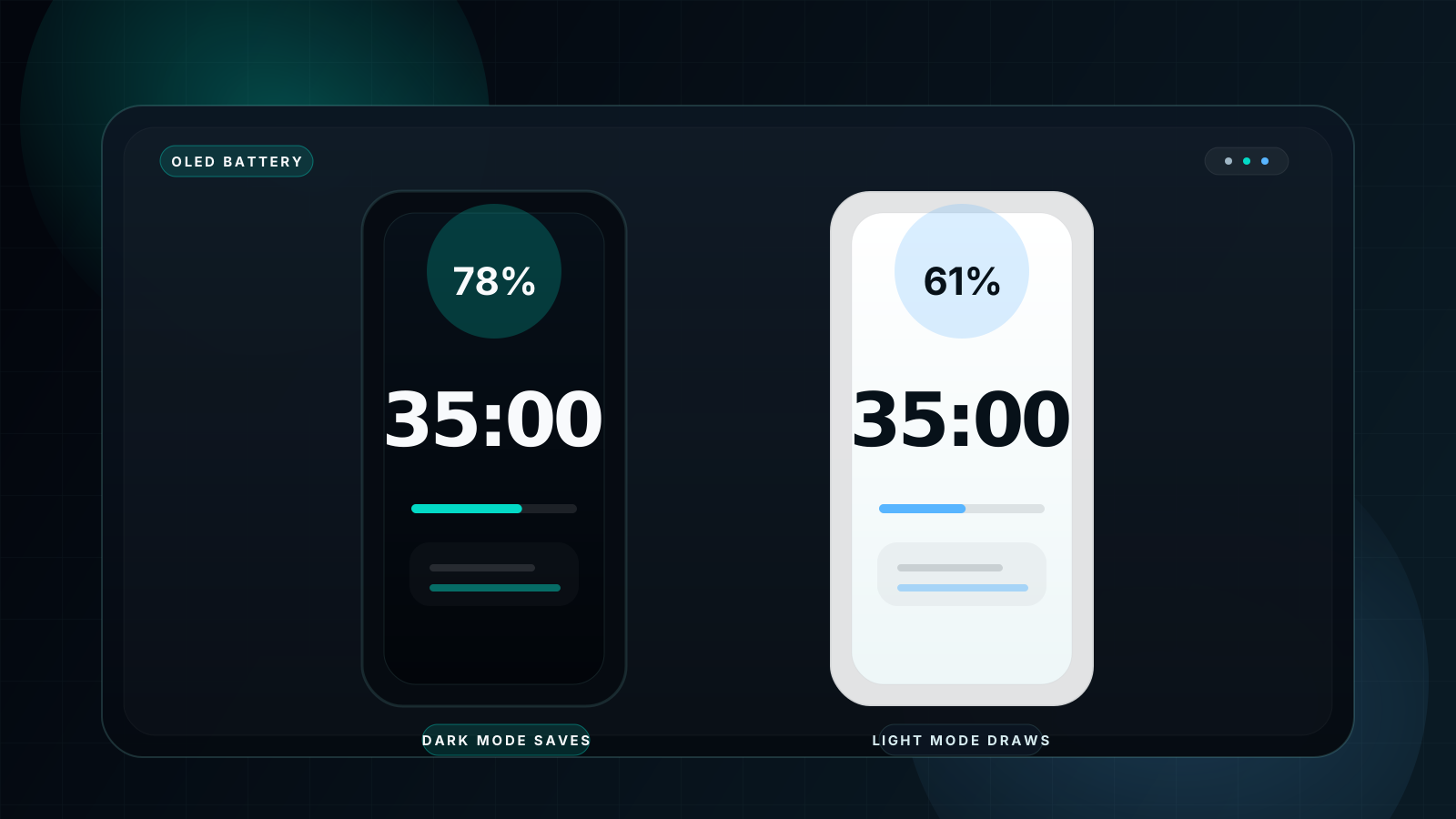
On OLED and AMOLED displays, black pixels are extremely power efficient, so dark timers usually make more battery sense than white ones.
Scene-by-Scene Decision Guide
🏫 Classroom
Projected classroom? Use black. Local monitor in a bright room? White can work well.
💼 Presentation
For stage screens, meeting rooms, and projector-based talks, black is almost always the better default.
🧠 Focus
For study, coding, writing, and Pomodoro sessions, black wins because it reduces distraction and visual fatigue.
☀️ Outdoors
In strong sunlight or sports fields, white can outperform black because the background itself fights glare better.
| Scene | Recommended theme | Reason |
|---|---|---|
| 🏫 Classroom projector | ⚫ Black | Higher contrast from the back of the room |
| ☀️ Outdoor activity | ⚪ White | Better daylight readability |
| 🧠 Pomodoro focus | ⚫ Black | Lower distraction and stronger ritual effect |
| 💼 Meeting room presentation | ⚫ Black | More professional and projector-friendly |
| 🌙 Night study | ⚫ Black | Less harsh brightness |
| 📱 AMOLED phone | ⚫ Black | Better battery efficiency |
| 🖨️ Print output | ⚪ White | Easier for handouts and screenshots |
| 🧘 Meditation | ⚫ Black | Calmer visual atmosphere |
| 💡 Bright office monitor | ⚪ White | Better match to high ambient light |
| 🎤 TED-style talk | ⚫ Black | Cleaner stage look and long-distance clarity |
Eye Health & Display Science
The eye-comfort difference is not imaginary. White timers put more total light into the visual system, which can feel more fatiguing during long sessions. That is one reason the newer dark mode countdown timer guide focuses so heavily on black-screen use for study and deep work. Light backgrounds still have real advantages, but they are less forgiving in long indoor sessions.
Display technology matters too. On OLED and AMOLED screens, black pixels are largely off, so battery savings are substantial. On LCD and IPS screens, the backlight stays active regardless, so white versus black becomes much more about environment and comfort than raw power use.
| Display type | White-screen power | Black-screen power | Difference |
|---|---|---|---|
| AMOLED / OLED | High | Very low | 40-60% savings |
| LCD / IPS | Medium | Medium | Minimal |
| Mini-LED | Medium-high | Lower | Moderate savings |
How to Switch Between Themes
- Visit fullscreencountdowntimer.com.
- Open the theme selector in the upper-right corner.
- Select Light for a white timer, or Dark or Galaxy for a black timer.
- The theme changes immediately without resetting the timer.
- Press F for fullscreen.
- Press Space to start the countdown.
💡 Pro Tip: switching between white and black themes does not have to interrupt the countdown. If the room changes, you can change the theme on the fly and keep the same timer running.
FAQ
Is a white screen or black screen better for a countdown timer?
Black is better for most indoor focus, projector, and AMOLED scenarios. White is better for bright daylight and print-oriented use cases.
Which timer background is better for classrooms?
Projected classroom timers usually benefit from black backgrounds, but bright monitor-based classroom setups can sometimes work better in white.
Does a white screen timer cause more eye strain?
Often yes during extended indoor use, because it is brighter overall and can feel harsher over time.
Which timer background saves more battery?
Black, especially on OLED and AMOLED devices where dark pixels consume much less power.
Can I switch between white and black screen on the same timer?
Yes. The main timer supports instant theme switching without forcing you to restart the countdown.
What is the best free timer that supports both white and black screen?
A timer with instant theme switching, fullscreen mode, and sound alerts is the strongest option. You can try both modes here for free.
Try Both — Switch Anytime, No Restart Needed
Not sure which works best for you? Start with black screen — it wins in most indoor scenarios. Switch to white anytime with one click.
⚪ White Screen Timer
Try Light Theme⚫ Black Screen Timer
Try Dark ThemeFree · No Signup · Works on All Devices