A full screen timer black background layout does one important thing better than a generic timer: it gives time visual priority. On a projector, in a meeting room, or during deep work, the timer becomes the only screen element that matters. That is why black background timer layouts outperform busier white interfaces whenever readability, professionalism, and concentration all matter at once.
What Is a Full Screen Timer with Black Background?
A full screen timer with black background is an online timer that fills the entire screen with a dark canvas and large, high-contrast digits. The difference from a normal timer is not just color. First, the visual priority is different: black makes the numbers the only real focus on the display. Second, the environment fit is better: a black background countdown stays clearer in meeting rooms, classrooms, and bright presentation spaces. Third, the mental effect is different: darker surfaces reduce clutter and signal that the session has shifted into timing mode.
If you already use a black screen countdown timer, this page is the next step. It focuses less on meditation and general minimalism and more on the speaker, meeting, and professional display side of the same idea. When people search for a black background countdown in fullscreen, they usually want one of two outcomes: cleaner presentations or stronger focus. This article covers both.
Why Black Background Wins in Presentations
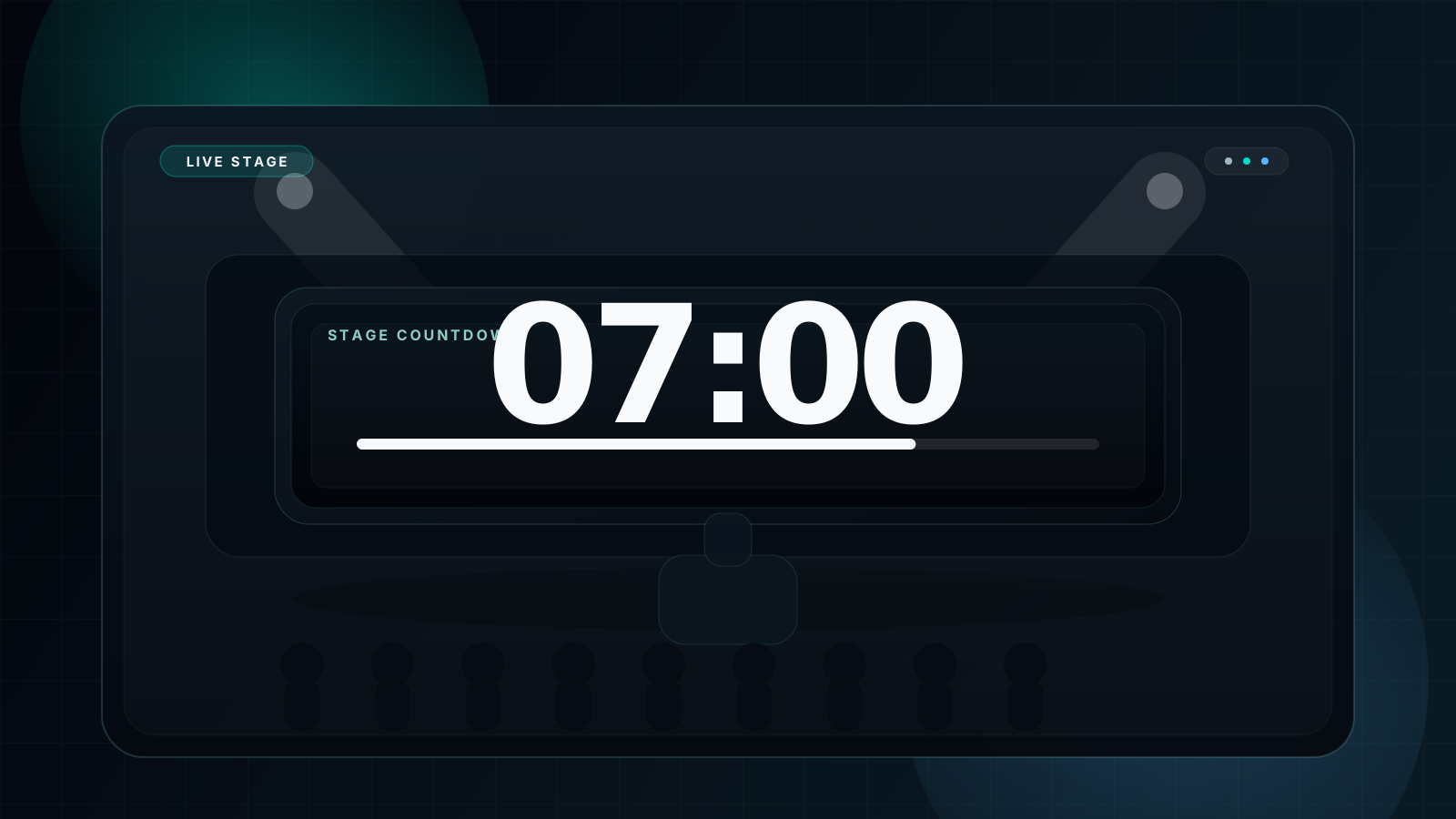
Presentation screens need strong contrast and low distraction. White timer panels can look washed out on projectors, especially in bright rooms. A black background, by contrast, lets the digits punch through from across the space. It also feels more deliberate. The timer looks like part of the show or meeting system rather than an afterthought.
| Comparison | ⚫ Black Background Timer | ⚪ White Background Timer |
|---|---|---|
| Projector clarity | ✅ Extremely readable | ⚠️ Can look washed out |
| Bright-room visibility | ✅ Strong contrast | ❌ Often weaker |
| Professional feel | ✅ Clean and intentional | ⚠️ More generic |
| Audience focus | ✅ Digits stay dominant | ⚠️ Extra glare competes |
| AMOLED battery use | ✅ Lower power draw | ❌ Higher draw |
| Eye fatigue | ✅ Lower overall brightness | ⚠️ Medium to high |
For presenters, the benefit is partly technical and partly social. Technically, high contrast improves legibility on large screens. Socially, it makes the room look more controlled. A speaker countdown clock that sits quietly on a black display looks intentional and polished, which matters when you are managing time in front of an audience.
Focus Science: Why Dark Screens Help Concentration
A focus timer black screen setup works because it reduces what the brain has to process. A lighter interface often comes with more edges, more visual attention points, and more perceived brightness. A dark screen concentration workflow strips that down. The eye sees one number, one deadline, and fewer competing signals.
Lower brightness also matters over time. Darker interfaces can feel easier on the eyes during extended work blocks, especially on second monitors or in low-light rooms. Just as important, fullscreen mode creates a ritual boundary. When a timer takes over the whole screen, the session feels official. That “now we focus” cue is useful in its own right, which is why it pairs well with a Pomodoro timer workflow. A 25 minute black fullscreen timer visually reinforces the start and end of each sprint.
5 Professional Use Cases
Meeting presentation countdown
Run a shared timer on a side display or projected screen so presenters, hosts, and attendees all see the same remaining time.
Recommended: 5-30 minDeep focus work
Use a black screen timer during Pomodoro blocks, review sessions, or long writing windows to reduce visual friction while keeping urgency visible.
Recommended: 25-90 minClassroom exam timing
A projected fullscreen timer for classroom workflow helps students self-manage time without repeated reminders.
Recommended: 30-120 minOnline meeting sharing
Share a dark background timer in Zoom, Teams, or Meet when you need timed breakout windows, speaking slots, or agenda pacing.
Recommended: 5-15 minFitness and intervals
Large white digits over black remain readable from a distance, which makes them effective for circuit work, interval training, and studio classes.
Recommended: 20-60 sec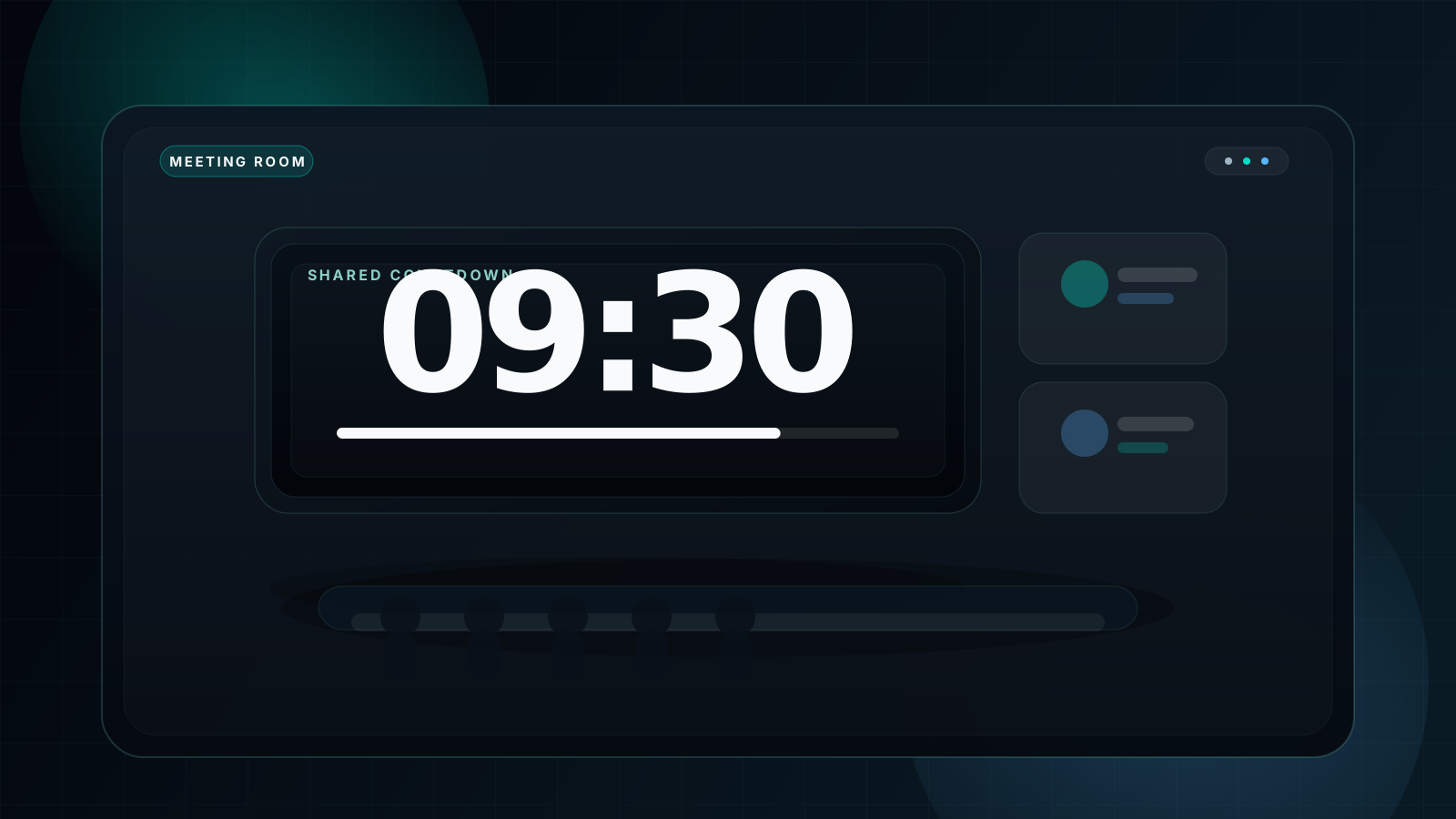
Device & Setup Guide
🖥️ Projector or meeting-room screen
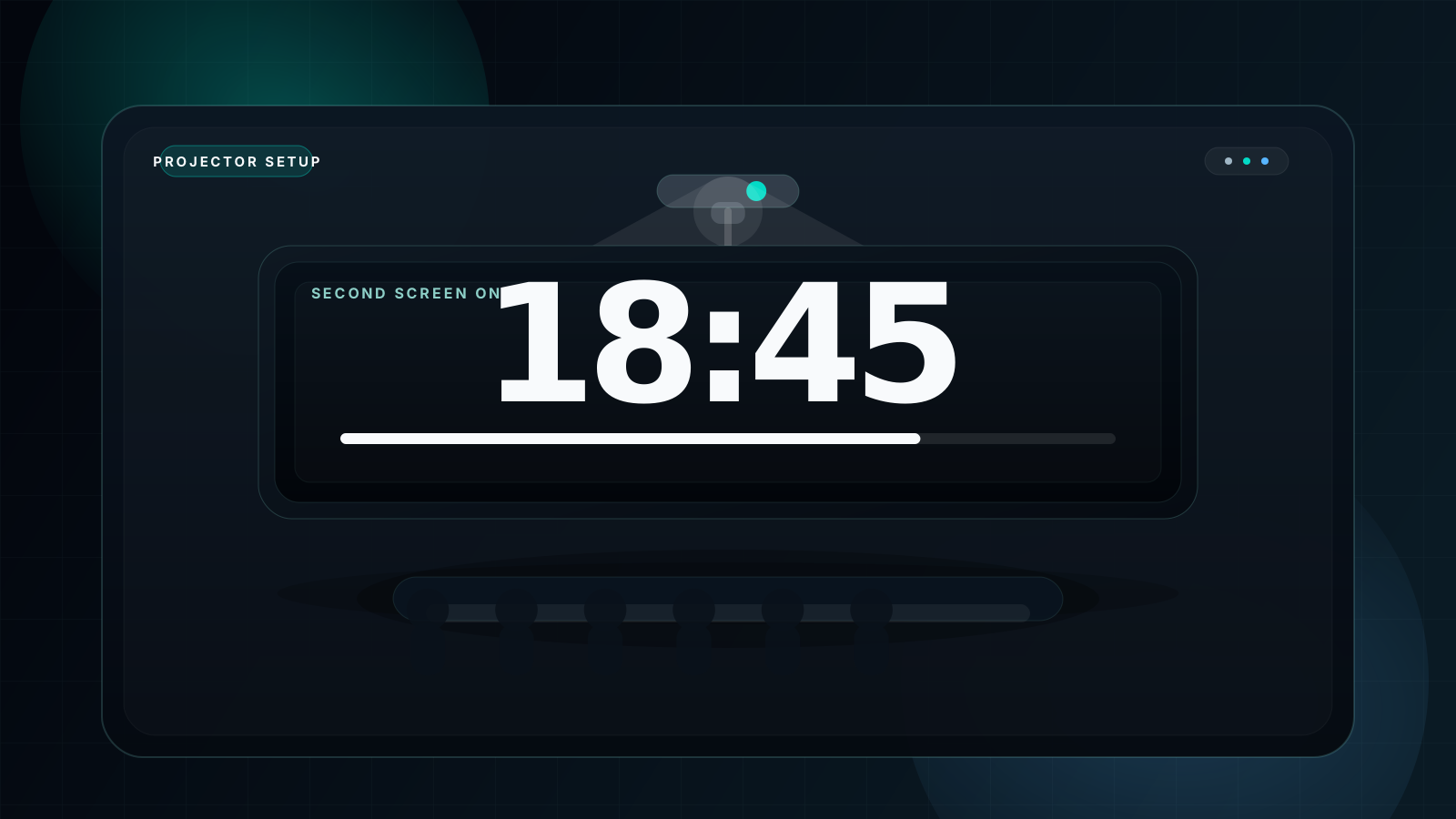
Use 1920×1080 or higher if possible. Open the timer, switch to Black or Dark theme, press F for fullscreen, and then send the output to the projector.
Close browser notifications and enable presentation mode so the room stays interruption-free.
📺 TV or classroom display
Use HDMI or Chromecast. On large TVs, bigger digits matter more than interface detail. For long-distance reading, large numerals beat more controls.
If available, use the TV's game mode to reduce lag and keep the timer responsive.
💻 Laptop or desktop focus setup
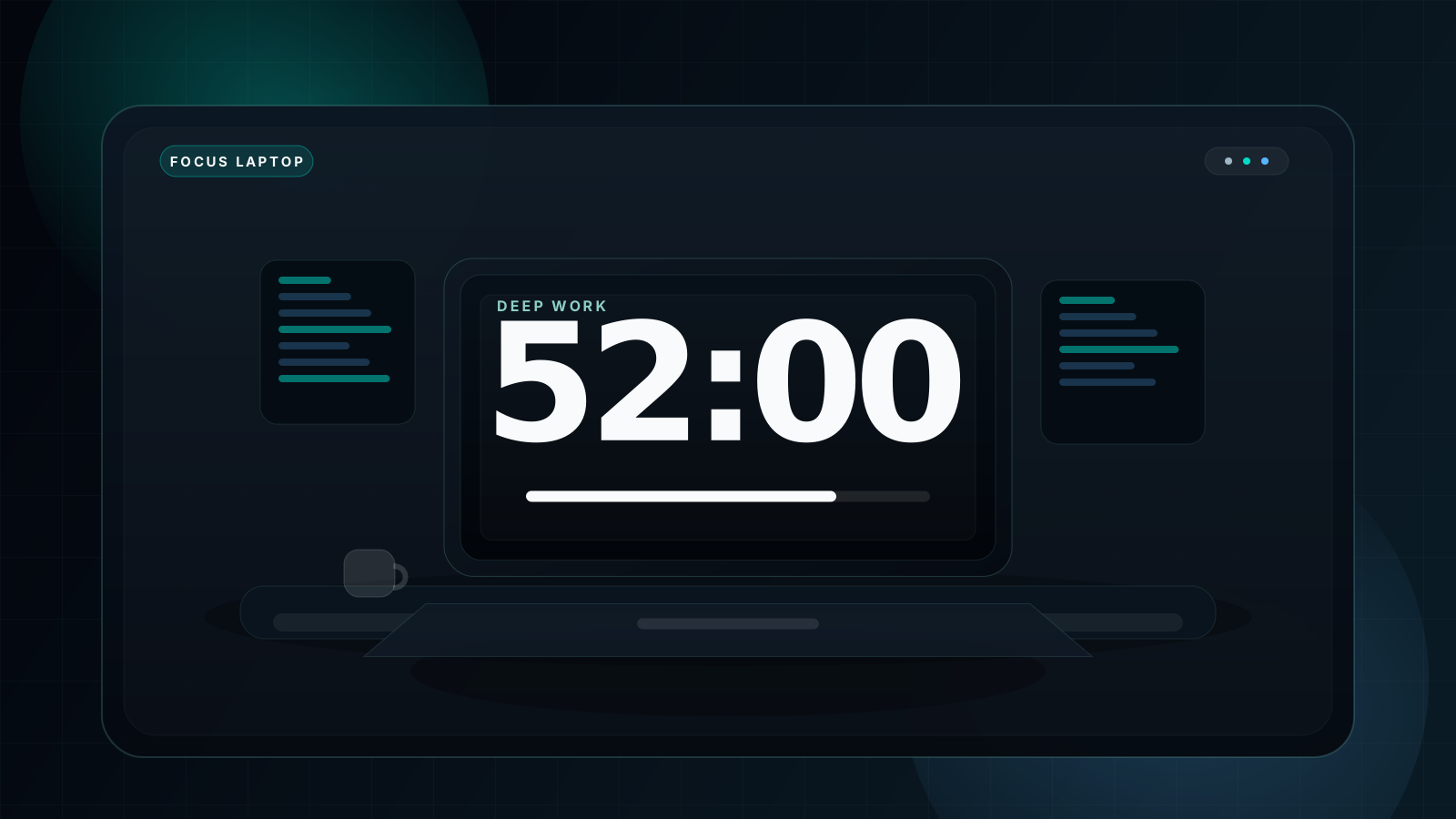
On dual screens, keep the timer fullscreen on the second display and work on the first. On single-screen setups, use a separate timer window or PiP alternative.
Pair the timer with Do Not Disturb mode to turn the screen into a reliable focus boundary.
How to Use
- Open fullscreencountdowntimer.com full screen countdown timer.
- Enter the target duration in minutes or hours.
- Open the theme selector and choose Dark Theme or Galaxy Theme.
- Press F or click the Fullscreen button to expand the timer.
- Press Space to start the countdown.
- Let the sound alert signal the end of the session.
- Press R to reset and begin the next round.
| Key | Action |
|---|---|
Space |
Start or pause |
F |
Enter or exit fullscreen |
R |
Reset the timer |
B |
Cycle background mode |
S |
Toggle sound |
1-9 / 0 |
Quick minute presets |
FAQ
What is a full screen timer with black background?
A full screen timer with black background fills the display with a dark surface and large high-contrast digits so the countdown is the only thing demanding attention.
Why use a black background timer for presentations?
Because it improves perceived contrast, looks more professional on large screens, and avoids the washed-out look bright timer panels can create on projectors.
Does a black background timer work on projectors?
Yes. It is one of the best projector-friendly timer styles because the digits remain clear while the rest of the projected image stays visually quiet.
Can I use a full screen black timer for online meetings?
Yes. A shared black timer works well in Zoom, Teams, and Google Meet when you need visible countdown pacing for breakout rooms, speaking slots, or meeting sections.
Is a black background timer better for focus and concentration?
For many people, yes. Darker fullscreen layouts reduce visual noise and screen brightness, which makes them easier to leave visible during long work blocks.
What is the best free full screen black background timer online?
The best option is one with fullscreen mode, fast presets, sound alerts, and strong theme control. You can start with the main full screen countdown timer here.
Ready to Run Your Black Background Timer?
No signup. No install. Just open, set your time, and go fullscreen in one click.