The phrase countdown clock feels slightly different from countdown timer, even when both point to the same function. A clock feels public, authoritative, and shared. That is exactly why size matters so much here. If the room cannot see the digits, it stops being a clock and starts being a private gadget.
Countdown Clock vs Countdown Timer: Is There a Difference?
Wall-clock mindset
A countdown clock sounds public. It suggests something on the wall, on a big screen, or in front of a room. That wording carries authority: a clock feels official and shared, not personal.
Task-first mindset
A countdown timer sounds more personal and functional. It feels like something on a phone, a kitchen counter, or a laptop tab that helps one person finish a task.
In practice, both describe the same function: counting down to zero. The real difference is psychological. If you want the more venue-focused version of this topic, the companion large countdown timer guide covers that angle in more depth.
Why "clock" changes the feeling
Public clocks have always represented shared time. Think of station clocks, classroom clocks, or big event displays. When people search for "countdown clock large", they are often asking for that same public presence on a modern screen.
Why "timer" still matters
Timer language stays useful because the control model is flexible. You can start, pause, reset, change themes, and treat the same screen as a tool. The site is effectively both at once: a room-scale clock with timer controls.
Why "Large" Is Non-Negotiable for Countdown Clocks
A clock is a public tool by nature. Historically, the value of a clock increased with the number of people who could see it. That logic has not changed. The only thing that changed is the hardware: modern countdown clocks now live on TVs, projectors, monitors, and tablets instead of towers and station walls.
| Scene | Audience size | Farthest distance | Minimum useful digit height |
|---|---|---|---|
| Personal desk use | 1 person | 0.5m | About 1cm |
| Small meeting room | 5-10 people | 5m | About 5cm |
| Standard classroom | 30 people | 10m | About 10cm |
| Large meeting room | 50-100 people | 15m | About 15cm |
| Lecture hall or auditorium | 100-300 people | 25m | About 25cm |
If you want the broadest room-size discussion, jump to the big countdown timer article. The principle is the same: bigger, higher-contrast digits create less confusion and fewer verbal reminders.
The Problem with Old Countdown Clock Tools
Adobe Flash ended on December 31, 2020
A large number of old countdown clock sites were built with Adobe Flash. That was common in the 2000s, but it created a hard failure point: once Flash support ended, the clocks stopped working.
Starting in 2021, Chrome, Firefox, Safari, and Edge removed Flash support. That means old Flash-based countdown clocks now show blank space, broken embeds, or dead interfaces.
| Dimension | Flash countdown clock | Modern HTML5 countdown clock |
|---|---|---|
| Browser support | Removed from all major browsers | Works in modern browsers |
| Mobile support | Never worked well on iOS | Responsive on phones and tablets |
| Security profile | Legacy risk and unsupported | No plugin attack surface |
| Fullscreen behavior | Limited and inconsistent | Native fullscreen API support |
| Performance | Plugin overhead | Fast native rendering |
| Maintenance outlook | Dead platform | Still maintainable and current |
If an old countdown clock in your bookmarks no longer runs, Flash is the most likely reason. This site avoids that entire failure mode by using modern browser features only.
6 Everyday Use Cases for a Large Countdown Clock
Unlike the more professional venue angle in the previous article, this page focuses on everyday rooms and ordinary users. These are the cases where a large countdown clock saves repetition, reduces stress, and simply makes time visible to everyone who needs it.
Home routines
Homework windows, chores, bedtime transitions, and game limits work better when the whole family can see the same countdown on a shared TV.
Recommended: Light theme or Dark theme on a family TV, 5 to 30 minute blocks.
Office meetings
Timeboxing standups, brainstorming sessions, and presentation drills becomes easier when the room sees one large countdown instead of waiting for the host to call time.
Recommended: Dark theme on a meeting-room display, 5 to 15 minute blocks.
Kitchen timing
Cooking works better with a clock you can read from across the room while your hands are busy. A tablet or secondary display is enough for many home kitchens.
Recommended: Light theme, 1 to 60 minute blocks, sound on.
Games and parties
Quiz rounds, party games, and team challenges all benefit from a shared visible deadline. It raises energy and stops arguments about how much time is left.
Recommended: Dark theme, 30-second to 5-minute rounds.
Focus and Pomodoro sessions
A large countdown clock is easier to check with peripheral vision than a phone. For deeper work blocks, the Pomodoro timer guide pairs well with this setup.
Recommended: Dark theme, 10 to 25 minute focus blocks.
Sports and training
Warmups, intervals, and drill rotations need a clock visible from any position in the room or gym. Large digits remove the need to stop and ask for time checks.
Recommended: Dark theme on TV or projector, 1 to 10 minute blocks.
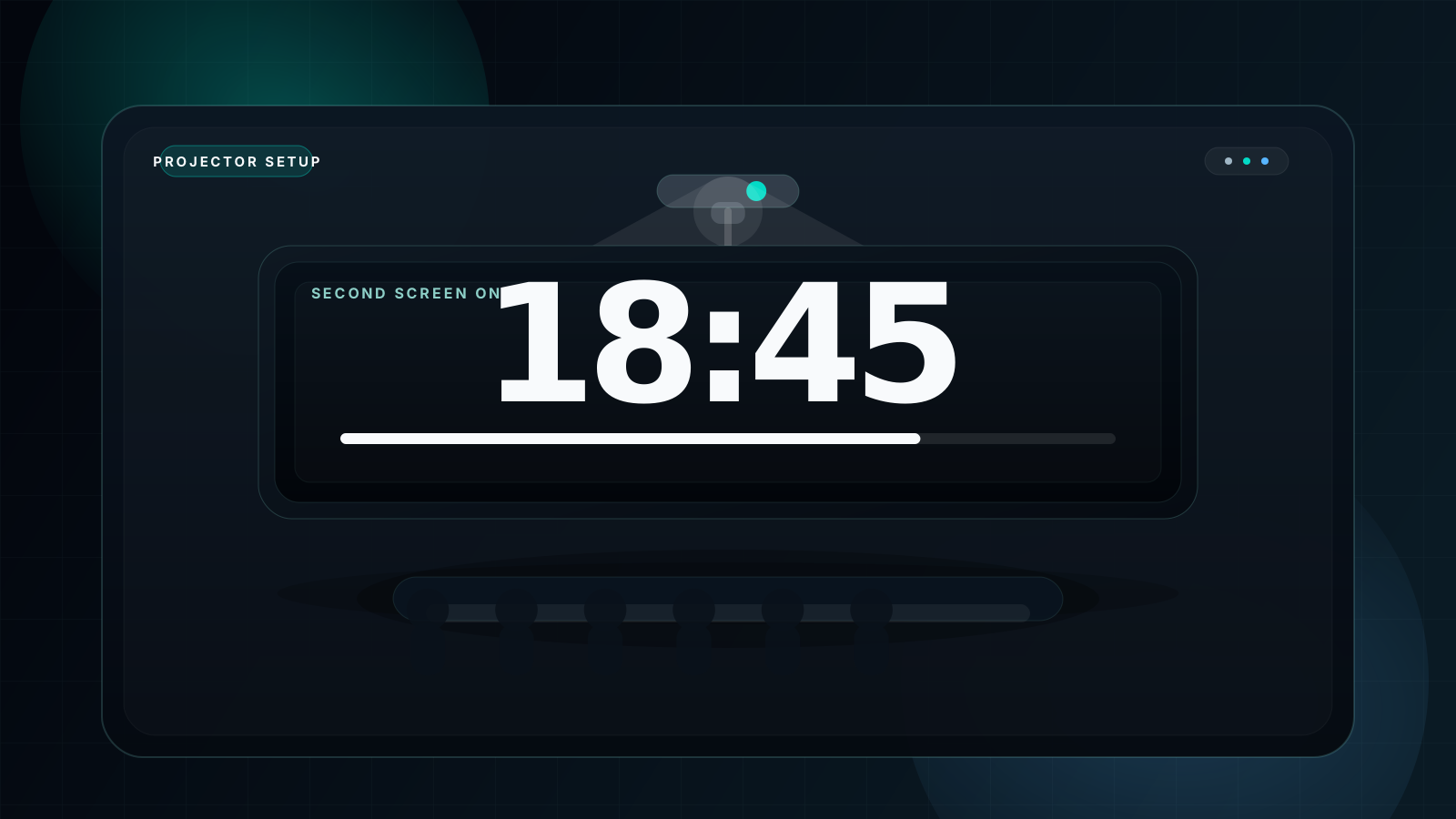
How to Get the Largest Countdown Clock Display
There are only three moves that matter if you want the largest possible countdown clock display:
- Press F for fullscreen. This is the fastest and most important step. The digits immediately claim the screen.
- Connect a larger external display. Laptop to TV or projector through HDMI is the easiest physical size upgrade path.
- Use a high-contrast theme. For most indoor cases, the dark mode countdown timer approach gives the best effective visibility.
If the display has to serve a whole room, treat it like infrastructure, not decoration. Bigger screen plus fullscreen plus contrast is what turns a countdown into a clock the room can trust.
Large Countdown Clock Quick-Start Guide
Keyboard shortcuts
| Key | Function |
|---|---|
| Space | Start / Pause |
| F | Toggle fullscreen |
| R | Reset timer |
| B | Cycle background modes |
| S | Toggle sound |
| Esc | Exit fullscreen |
Useful pairings
For classroom projection, the teacher-first setup guide is fullscreen timer for classroom. For darker rooms and more readable projection, pair this article with the dark mode countdown timer explanation.
If your goal is simply the largest room-scale display, compare this page with large countdown timer and big countdown timer to choose the angle that matches your search intent.
FAQ
What is the best free large countdown clock online?
A fullscreen timer with zero ad clutter, modern browser support, and no plugin dependency is the strongest free option. That is the exact problem this site is designed to solve.
What is the difference between a countdown clock and a countdown timer?
The main difference is how the words feel. Clock suggests a public display; timer suggests a more personal tool. Functionally, both still count down to zero.
Why don't old countdown clock websites work anymore?
Because many of them relied on Adobe Flash, which officially ended on December 31, 2020 and was removed from modern browsers after that.
Can I display a large countdown clock on my TV?
Yes. Connect your device to the TV with HDMI or casting, open the timer, and use fullscreen mode so the digits fill the screen.
Is there a large countdown clock that works without Flash?
Yes. This site uses modern browser-native technology only, so it works without Flash, plugins, or legacy runtime installs.
How do I make my countdown clock display as large as possible?
Start with F for fullscreen, then move to a larger display such as a TV or projector if you need greater physical size across a room.
Your Large Countdown Clock — No Flash, No Ads, No Limits
Built with modern HTML5. Works on current browsers, current devices, and current screen sizes. Open it, set the time, press F, and let the countdown clock fill the room.