A dark mode countdown timer is not just a timer with inverted colors. It is a different way of organizing visual attention. When the background drops to black or deep gray, the digits stop fighting the rest of the interface and become the single object your eyes keep returning to. That shift is exactly why black screen timers perform so well for study, deep work, coding, meditation, and night-friendly presentations.
What Is a Dark Mode Countdown Timer?
A dark mode countdown timer uses a black or very dark background with high-contrast digits. The difference from a standard timer is not only aesthetic. It changes the visual information hierarchy of the entire screen. In a light timer, the background itself emits a lot of attention. In a dark timer, the background recedes and the number becomes the main event.
In practice, there are three common versions. A pure black timer uses `#000000` and is ideal for OLED or AMOLED displays because black pixels can be completely off. A deep gray timer uses softer dark tones and feels gentler over long sessions. A theme-driven dark timer uses variants like Galaxy to preserve the focus benefits while giving the screen more personality. The popularity of black screen countdown timer videos proves the demand is already there. This page turns that passive habit into an interactive tool and explains why it works.
The Science Behind Dark Screens & Focus
The reason dark mode feels effective is not mysterious. Several visual and cognitive effects all stack in the same direction: lower brightness, less clutter, and a stronger focal point.
🔬 Blue light and cognitive load
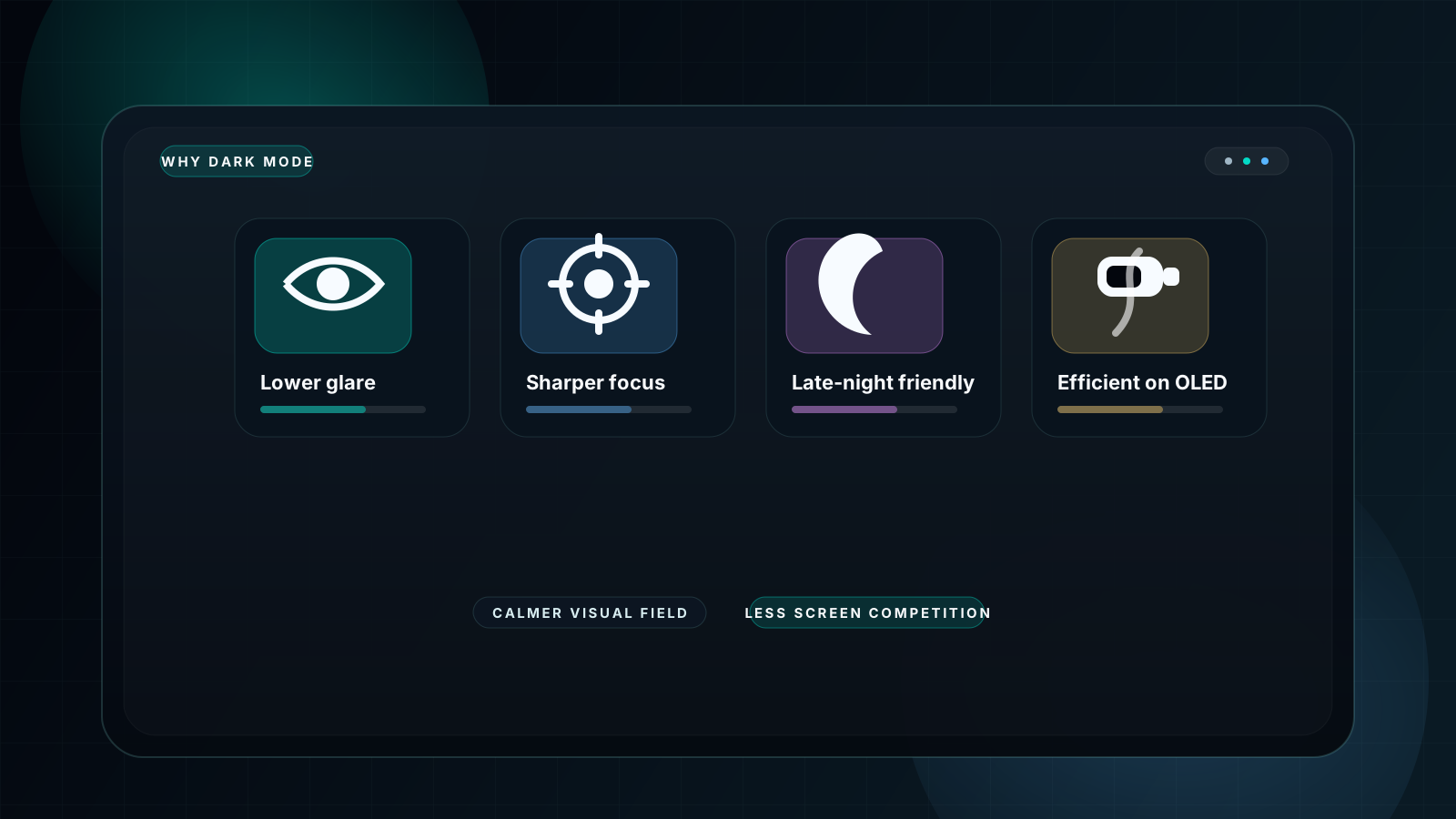
Bright white screens throw more light into the visual system than a dark interface does. That extra stimulation is not always useful. A dark mode focus timer lowers non-essential light output so the brain can spend less energy filtering the screen itself and more energy on the task.
👁️ Eye-muscle fatigue
Long sessions on bright surfaces can feel harsher over time. Darker timer backgrounds reduce overall glare, which is why many people report that study, coding, and revision sessions feel easier to sustain with a dark UI timer.
🧠 Attention spotlight effect
White digits on black create a natural spotlight. The visual system is drawn toward high-contrast information, so a dark mode countdown makes the remaining time the easiest object on the screen to monitor.
😴 Circadian protection
At night, bright interfaces can feel especially aggressive. A dark timer is friendlier to late-night work and study because it keeps the environment calmer, particularly when used in fullscreen mode in dim rooms.
5 Proven Reasons Black Screen Works Best
Reason 1: Eliminates visual noise
Black backgrounds strip the screen down to the only information that matters: how much time is left.
Reason 2: Creates a psychological focus ritual
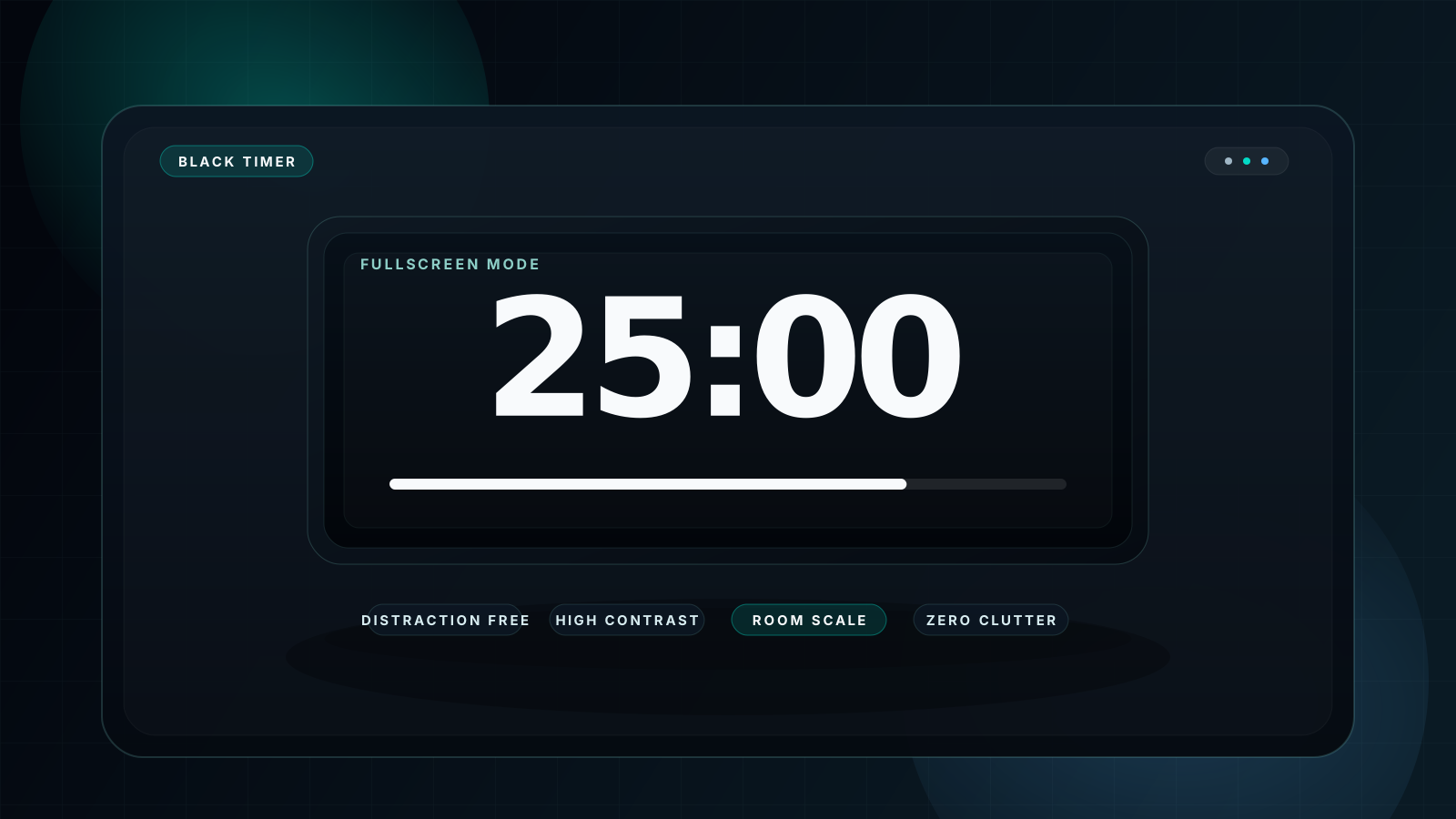
Fullscreen black screens act like a visual switch. The brain quickly learns that the dark timer means work, study, or silence has started.
Reason 3: Stays readable almost anywhere
From low-light study sessions to classroom projection and presentation displays, black background timers preserve contrast well.
Reason 4: Saves power on AMOLED and OLED screens
On compatible displays, black pixels consume much less power, which is why dark timers are often a practical battery choice on phones and tablets.
Reason 5: Reduces context-switch temptation
A fullscreen black timer physically blocks the visual pull of other apps, tabs, and notifications, making it easier to stay on task.
Dark Mode vs Light Mode Timer
If you compare a dark timer against a light timer across real use cases, the pattern is consistent. Dark mode wins when sustained focus, projected readability, night use, and visual calm all matter. Light mode still has a place in strong daylight or quick glance-only situations, but the center of gravity for serious timer use has moved decisively toward black or dark interfaces. For the presentation side of that story, also read full screen timer black background.
| Metric | 🌑 Dark Mode Timer | ☀️ Light Mode Timer |
|---|---|---|
| Focus effect | ⭐⭐⭐⭐⭐ Excellent | ⭐⭐⭐ Average |
| Eye comfort over time | ⭐⭐⭐⭐⭐ Excellent | ⭐⭐⭐ Average |
| Projector readability | ⭐⭐⭐⭐⭐ Excellent | ⭐⭐ Weaker |
| Night use | ⭐⭐⭐⭐⭐ Excellent | ⭐ Poor |
| AMOLED battery use | ⭐⭐⭐⭐⭐ Excellent | ⭐ Poor |
| Outdoor daylight use | ⭐⭐⭐ Good | ⭐⭐⭐⭐ Better |
| Professional look | ⭐⭐⭐⭐⭐ Excellent | ⭐⭐⭐ Average |
| Focus ritual effect | ⭐⭐⭐⭐⭐ Excellent | ⭐⭐ Weak |
Best Use Cases by User Type
Students and Study Sprints
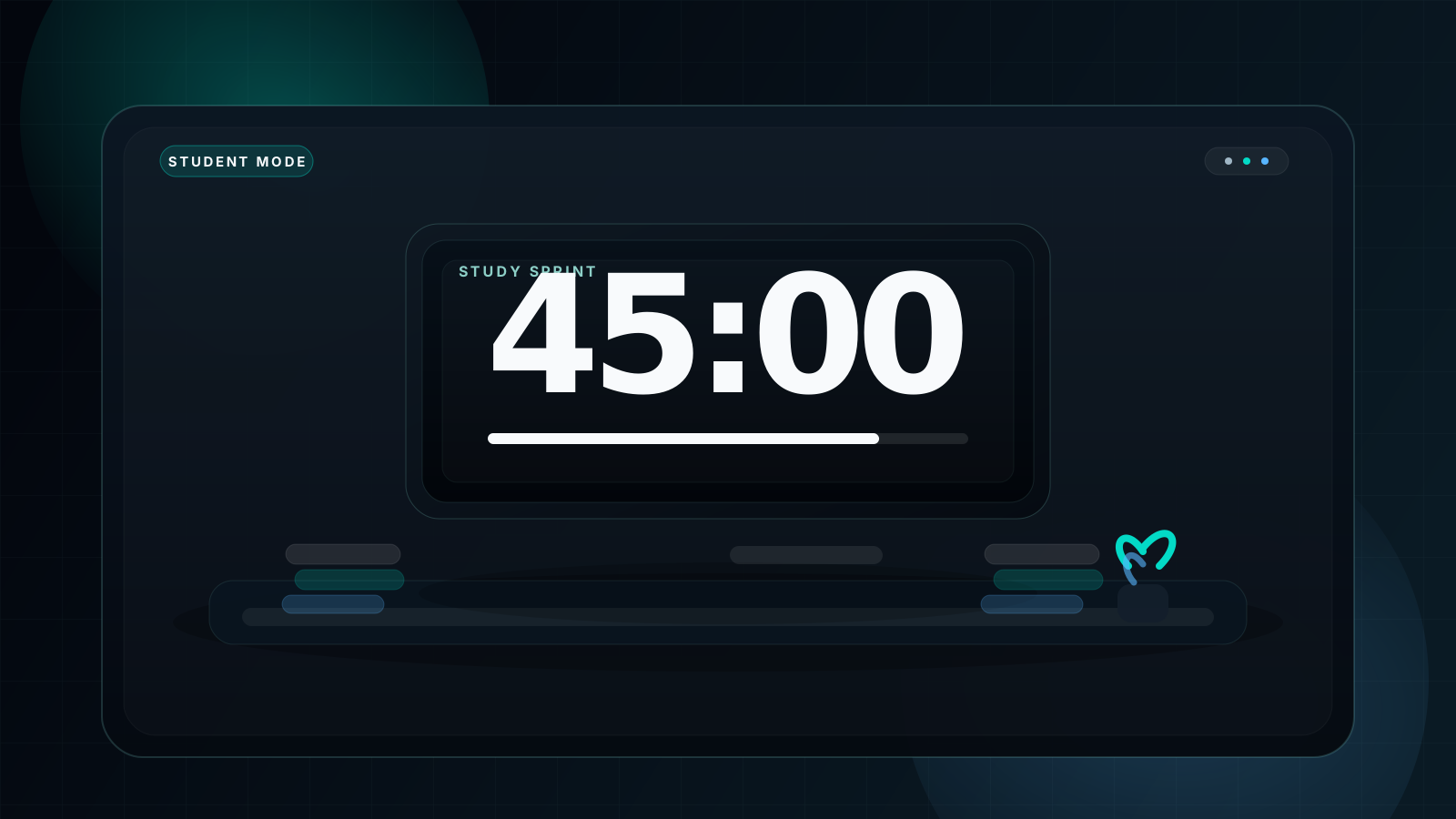
A black screen study timer works well because it turns a revision block into a contained visual environment. There is less screen glare, fewer visual temptations, and a clearer sense that the session has started. That is why dark mode timers pair naturally with a Pomodoro timer routine.
Recommended durations: 25, 45, and 50 minutes.
Programmers and Deep Work
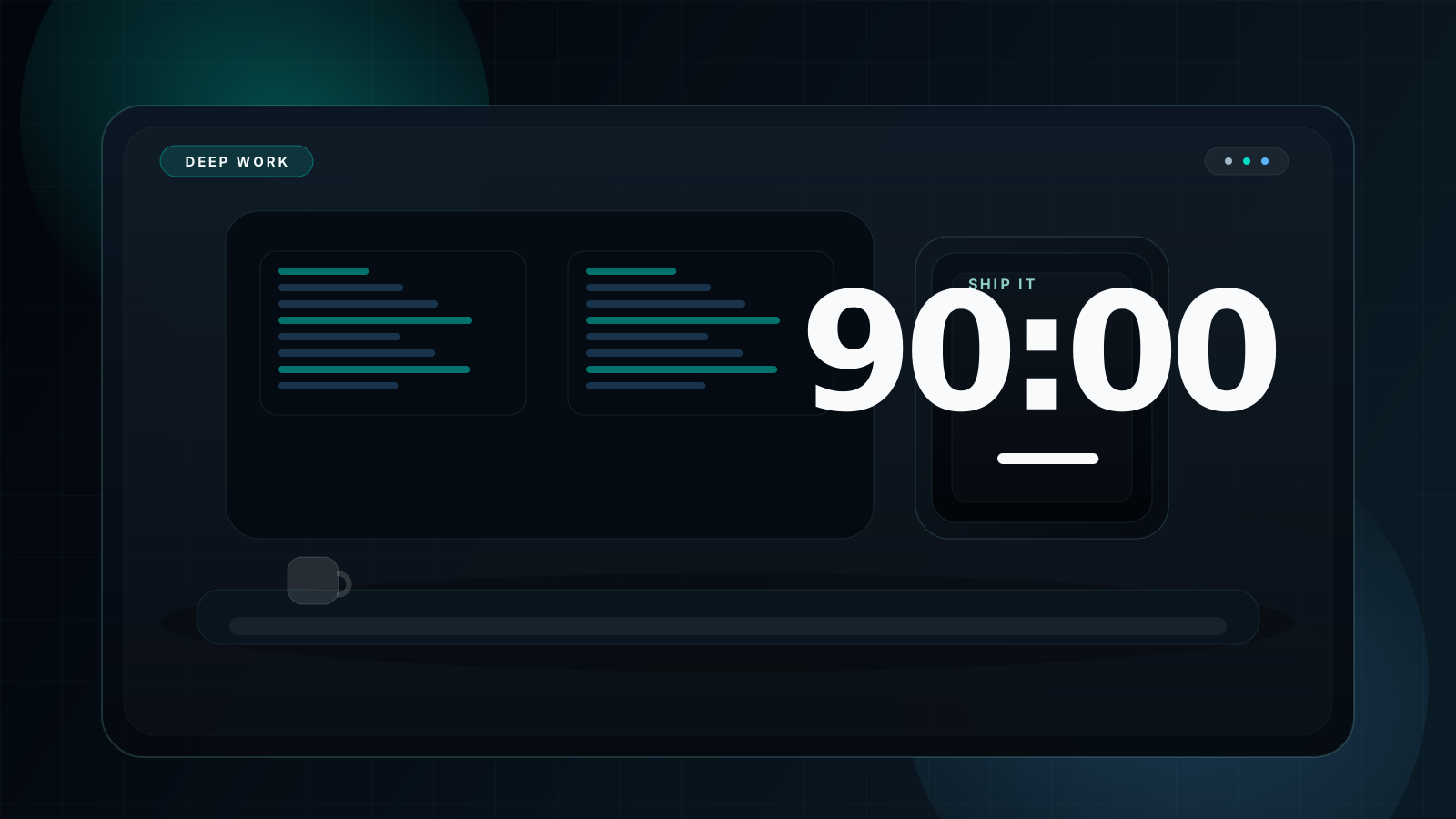
A dark mode focus timer fits naturally beside a dark code editor. The screen transition from code to timer feels smoother, which reduces the sense of jumping between two very different visual worlds. That matters in 90-minute deep work blocks.
Recommended durations: 90 and 120 minutes.
Meditation and Breathing Practice
A meditation timer benefits from the same dark-screen logic. The interface should feel quiet enough to disappear. Black or deep gray backgrounds reduce sensory interference and keep the timer from dominating the room.
Recommended durations: 5, 10, and 20 minutes.
Presenters, Teachers, and Shared Rooms
Dark mode is also the strongest choice when the timer needs to be seen by a room. Black backgrounds project cleanly, keep the digits readable, and look more polished than bright timer surfaces. For that angle, see both full screen timer black background and fullscreen timer for classroom.
Recommended durations: 5, 10, 15, and 30 minutes.
How to Enable Dark Mode on Your Timer
- Visit fullscreencountdowntimer.com.
- Open the theme selector in the upper-right area of the timer.
- Select Black, Dark, or Galaxy, depending on how pure or soft you want the dark surface to feel.
- Enter your countdown duration.
- Press F to go fullscreen.
- Press Space to begin the timer.
| Theme | Background | Best for | AMOLED battery |
|---|---|---|---|
| Black | #000000 |
Maximum contrast, all-purpose fullscreen work | ✅ Best |
| Dark | #1a1a1a |
General focus sessions and softer dark UI | ✅ Strong |
| Galaxy | #311b92 family |
Long-form focus when you want a richer dark atmosphere | ⚠️ Good |
FAQ
What is a dark mode countdown timer?
A dark mode countdown timer uses a black or very dark background and high-contrast numerals to reduce screen noise during study, work, or presentations.
Why does a black screen timer work better for focus?
Because it lowers visual clutter, reduces unnecessary brightness, and turns the timer digits into the most obvious object on the screen.
Is dark mode better for your eyes during long study sessions?
For many people, yes. Darker interfaces can feel less harsh over long sessions, especially at night or in low-light rooms.
Does a dark mode timer save battery on phones?
On AMOLED and OLED devices, often yes. Black pixels use much less power than bright white surfaces, so dark timers are usually more battery-friendly.
What is the best dark mode countdown timer online?
The best option is one with fullscreen support, fast theme switching, large digits, and sound alerts. You can try the main timer here with dark mode preselected.
Can I use a dark mode timer for Pomodoro technique?
Absolutely. Dark mode is especially good for Pomodoro blocks because it keeps the timer visible while making the work environment calmer and less visually noisy.
Experience the Difference — Try Dark Mode Timer Now
Join millions of students, developers, and professionals who've switched to dark mode timers. Free, instant, no signup required.