The word large matters because professional venues care less about novelty and more about reliability. The timer has to survive glare, distance, projection, and room-scale attention. That is where fullscreen layout, contrast control, and the right display hardware separate a real venue timer from a small personal widget.
What Is a Large Countdown Timer?
A large countdown timer is a fullscreen digital countdown display built for shared visibility across classrooms, conference halls, workshops, stages, and event venues.
The defining trait is not just bigger numbers. It is scalable room performance: the digits expand to dominate the screen, remain readable from distance, and strip away interface clutter so the display functions like a venue signal rather than a personal app.
1. Responsive scaling
A large countdown timer uses viewport-aware scaling so the numerals grow with the screen instead of staying trapped in fixed pixel sizes. That is why the same countdown can work on a 13-inch laptop and a 120-inch projector without needing a separate layout.
2. Long-distance readability
A regular timer solves personal timing. A large timer solves shared timing. The back row should understand the same deadline as the front row, which is why display size and contrast become operational requirements.
3. Distraction-free display
In fullscreen mode the browser chrome, side panels, and irrelevant widgets disappear. The screen communicates one thing only: the remaining time. That is essential for classrooms, stage wings, and conference pacing.
4. Real venue flexibility
Large timers have to adapt to indoor projection, TV screens, meeting room displays, and sometimes bright outdoor environments. That is where theme control and fast fullscreen access matter more than decorative interface features.
Practical definition: a large countdown timer is a fullscreen, distance-readable, high-contrast timer designed for shared spaces, not just solo use.
Large vs Regular Timer: Key Differences
The gap between a regular timer and a large timer is not cosmetic. It changes who can see the deadline, how many people can follow it, and whether the countdown feels professional in a live environment. If you need a lighter entry point into the same topic, the companion big countdown timer guide focuses more on raw visibility and room impact.
| Dimension | Regular timer | Large timer | Real-world impact |
|---|---|---|---|
| Digit sizing | Small fixed layout | Fullscreen viewport scaling | Large displays create a much bigger physical numeral footprint. |
| Viewing distance | 1-2 meters | 10-30 meters | Determines whether the timer works for a room instead of one operator. |
| Audience size | 1-2 people | 10-500+ people | Large timers support classrooms, conferences, and event floors. |
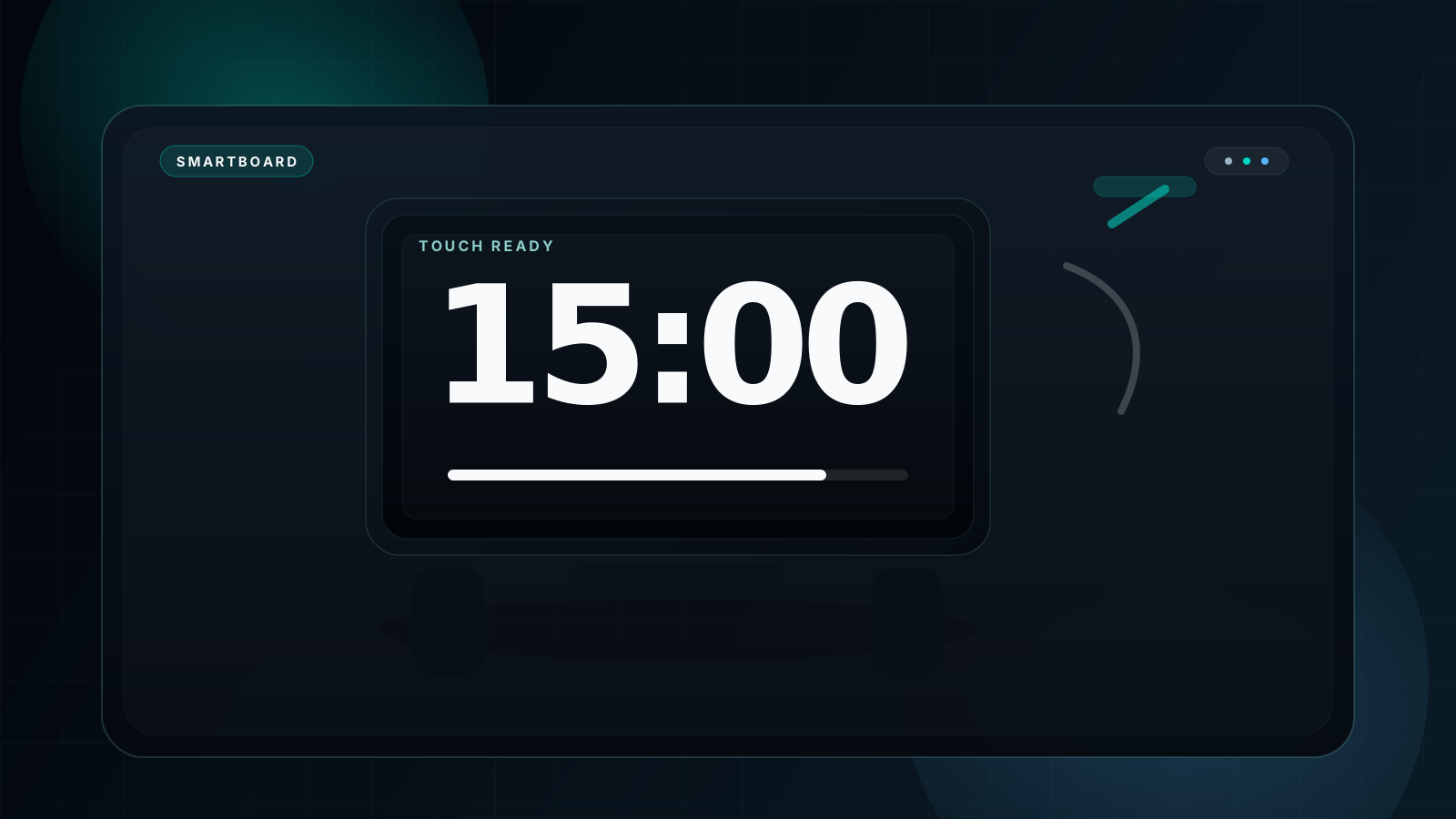
| Display hardware | Laptop or phone | TV, projector, smartboard, LED wall | External displays are where the benefit compounds. |
| Operational control | Mouse-first | Keyboard-friendly | Better for presenters and operators who cannot keep clicking the UI. |
| Theme flexibility | Often limited | Dark, Black, Light, and more | Useful when projection glare or room brightness changes. |
| Professional feel | Low | High | Better pacing signal for talks, workshops, and live events. |
Phone timer
A phone timer is fine for private timing and poor for shared timing. The display is too small, the lock screen gets in the way, and nobody else in the room can rely on it.
Desktop mini-widget
A small browser widget improves convenience for the operator but still collapses at room scale. Project it and the layout often remains too timid to function as a public timing signal.
Fullscreen venue timer
A fullscreen large timer lets the audience, presenter, and operator read one synchronized clock. That is the setup that actually changes behavior in the room.
Free vs Paid Large Countdown Timers
This keyword often attracts people comparing free web timers against production-oriented stage software. The right answer is not that paid tools are pointless. It is that most people searching for a large countdown timer do not need the overhead of a dedicated stage-control workflow.
| Feature | fullscreencountdowntimer.com | stagetimer.io | bigtimer.net | time-stuff.com |
|---|---|---|---|---|
| Price model | ✅ Free forever | ⚠️ Paid plans / production workflow | ✅ Free | ✅ Free |
| Fullscreen large display | ✅ 100% screen fill | ✅ Fullscreen | ✅ Fullscreen | ✅ Fullscreen |
| No ads on the display | ✅ Clean fullscreen focus | ✅ Clean | ✅ Clean | ⚠️ Mixed experience |
| Remote or multi-operator control | ❌ Local control only | ✅ Built for that workflow | ❌ No | ❌ No |
| Theme flexibility | ✅ Multiple high-contrast themes | ⚠️ More limited | ⚠️ Limited | ❌ Basic |
| Keyboard shortcuts | ✅ F, Space, R, B, S, 1-9, 0 | ✅ Strong | ⚠️ Basic | ❌ Minimal |
| Setup friction | ✅ Open and run | ⚠️ More setup and stage workflow | ✅ Open and run | ✅ Open and run |
| Content guidance | ✅ Full article support | ⚠️ Product docs | ❌ Almost no content | ❌ Thin content |
Paid stage software makes sense when multiple operators, remote control, or production cues are part of the job. For classrooms, meetings, workshops, training rooms, and many events up to medium scale, the free fullscreen timer covers the core need without subscription friction.
6 Professional Use Cases for Large Countdown Timers
Large countdown timers are most valuable in professional settings where the countdown needs to govern the room. The right setup changes slightly by venue, but the principle stays the same: the timer has to be clear enough that people stop asking for updates.
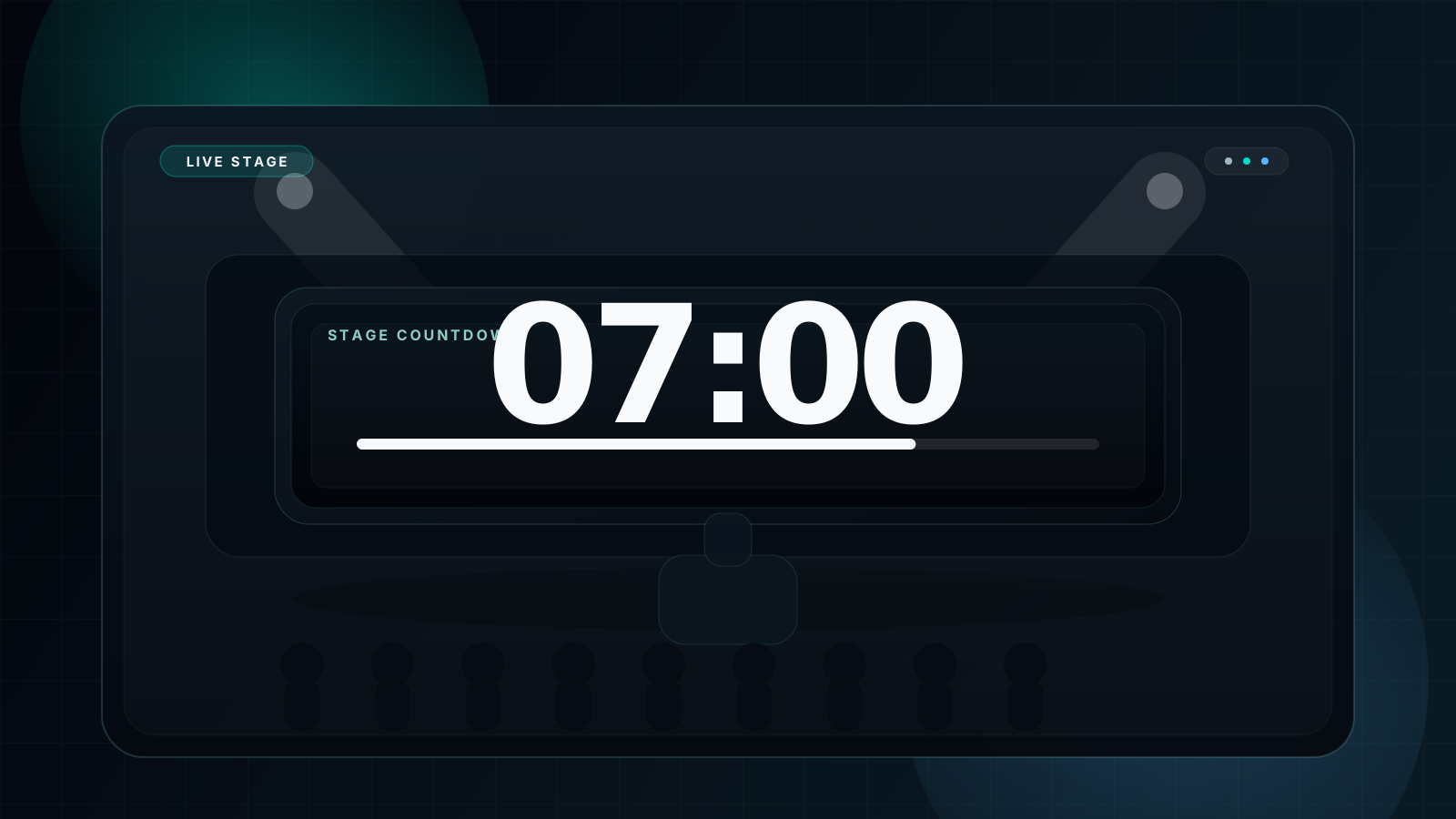
Conferences and summits
Use large projected numerals so speakers and audiences can follow the same schedule without constant moderator intervention.
Recommended: 100-inch projector, Dark theme, 15-45 minute session blocks.
Stage performances and live events
An event countdown timer works well when one operator can manage the session locally and the show simply needs a clean visible clock.
Recommended: LED wall or projector feed, Dark or Black theme, local keyboard control.
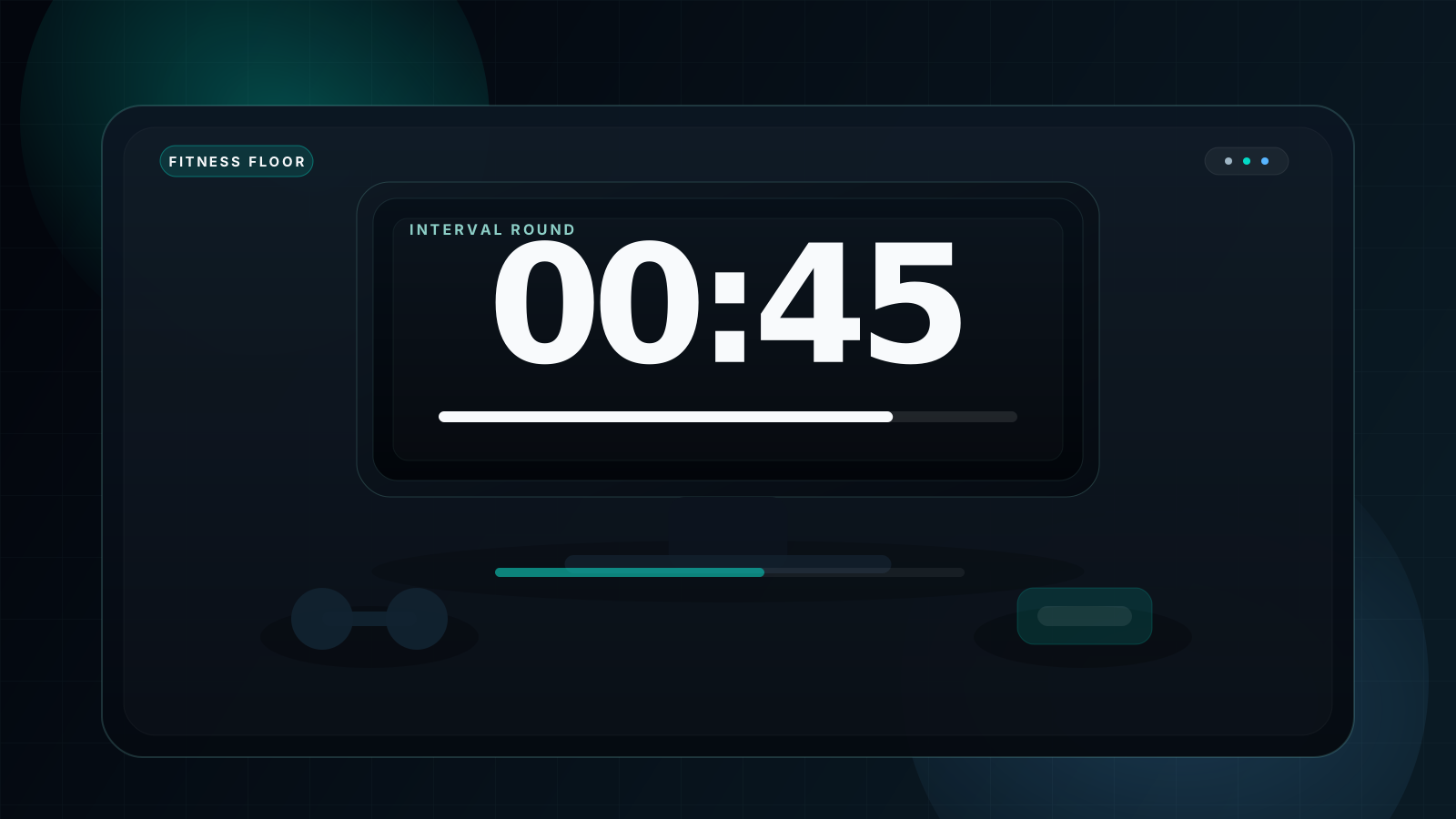
Group fitness classes
Large TV-based timing keeps the whole class locked to the same work and recovery intervals instead of relying on shouted cues.
Recommended: 65-85 inch TV, Dark theme, 30-second to 3-minute rounds.
Lecture halls and exam rooms
The fullscreen timer for classroom guide goes deeper on teaching workflows, but the same large-display logic applies to lecture theaters and exam halls.
Recommended: 120-inch projection, Dark theme, 45-180 minute sessions.
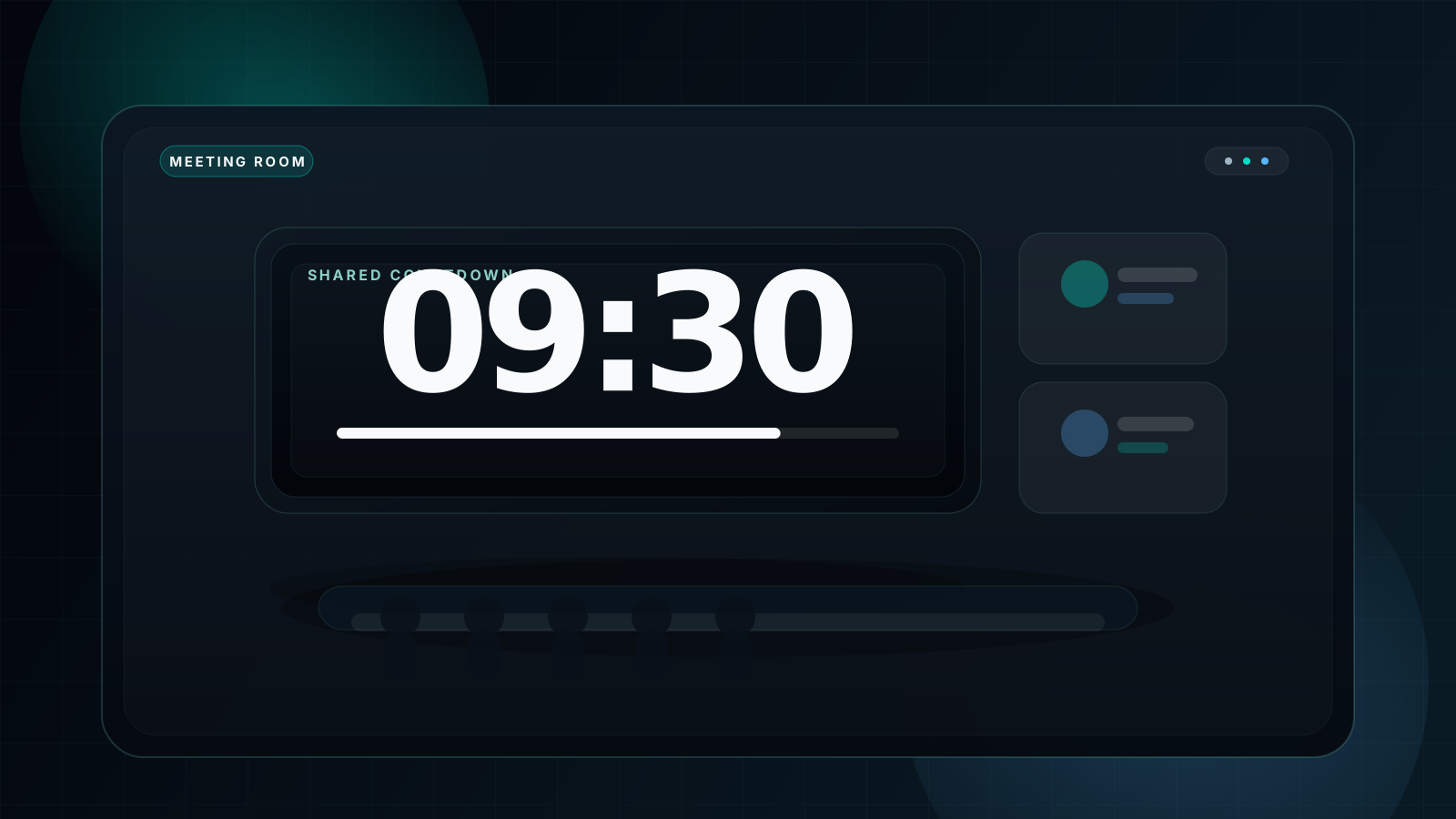
Workshops and training rooms
Large timers reduce drag between breakout rounds because everyone can see when to stop, move, and reset for the next exercise.
Recommended: Meeting room projector or 75-inch display, `R` to reset between rounds.
Ceremonies and school activities
Assemblies, graduations, and showcase events benefit from one large visible countdown that keeps transitions predictable for staff and attendees.
Recommended: Auditorium projector or LED screen, Space to start, F for fullscreen.
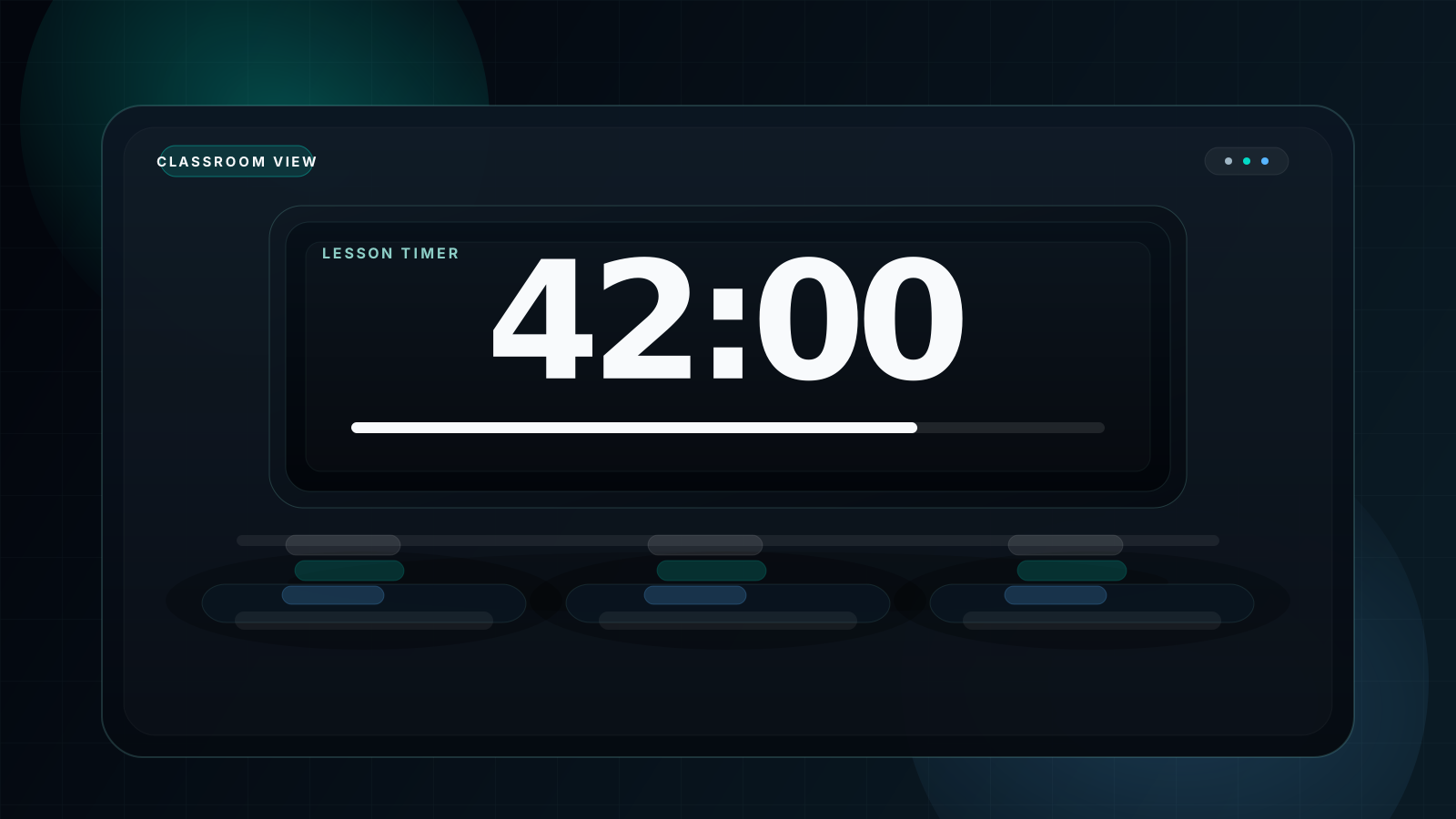
Large Venue Setup Guide
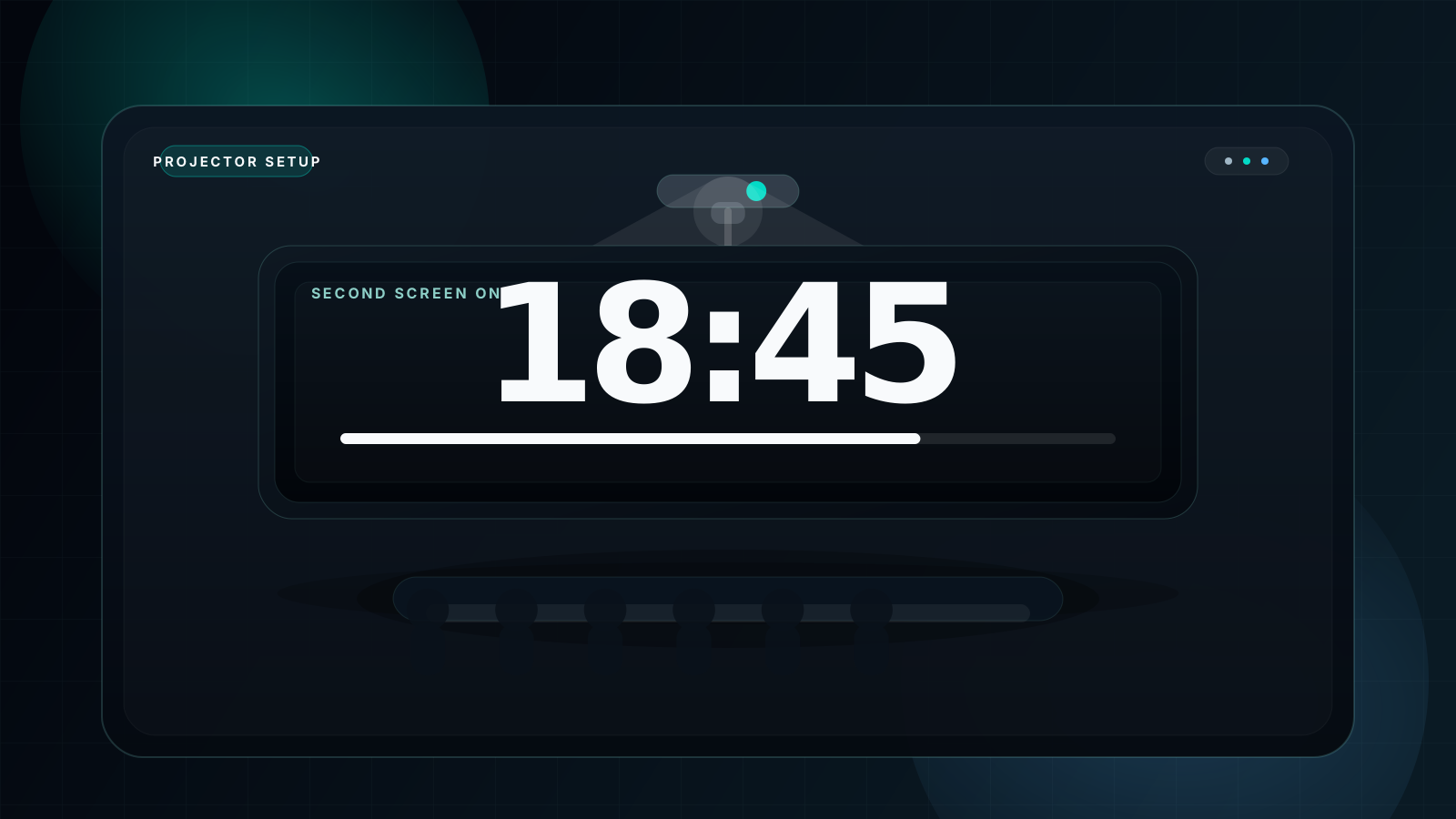
Hardware choice should match both venue depth and audience scale. A 65-inch TV is enough for a small workshop, while a deep hall or a bigger audience pushes you toward projection or LED. The matrix below keeps that decision fast.
| Venue size | Recommended screen | Max viewing distance | Recommended theme | Connection |
|---|---|---|---|---|
| Small room (up to 20 people, up to 8m) | 65-inch TV | 8 meters | Dark | HDMI |
| Medium room (20-80 people, up to 15m) | 80-100 inch projector | 15 meters | Dark | HDMI |
| Large room (80-200 people, up to 25m) | 120-inch projection | 25 meters | Dark | HDMI + backup |
| Very large venue (200+ people, up to 40m) | 200-inch+ LED wall | 40 meters | Dark indoors / Light outdoors | Professional AV chain |
Three-step deployment flow
The fastest stable setup is still simple: connect the screen, configure the display mode, then run fullscreen with a high-contrast theme. That is enough for the majority of real-world events.
Large events should also prepare a backup cable, a backup device, and one final visibility test from the farthest seat before the audience enters.
Display Optimization for Maximum Visibility
1. Pick the right theme before chasing bigger numerals
Contrast often improves readability more than marginal size increases. For most indoor venues, the dark mode countdown timer approach wins because it preserves legibility under projection and room lighting.
Use Light only when daylight glare makes a bright screen easier to read.
2. Silence system interruptions
Notifications can land directly on top of the timer during a live event. Enable Do Not Disturb or Focus mode before the audience arrives so the countdown remains the only thing on screen.
3. Run the display at full practical brightness
Projection quality is constrained by ambient light. Increase projector or TV brightness aggressively whenever you cannot control the room lighting, especially in mixed-use conference spaces.
4. Prefer wired video for professional rooms
Wireless casting is convenient but introduces risk. HDMI keeps the chain stable, removes latency, and makes the timer feel more dependable in front of a live audience.
5. Use timer fullscreen, not just system zoom
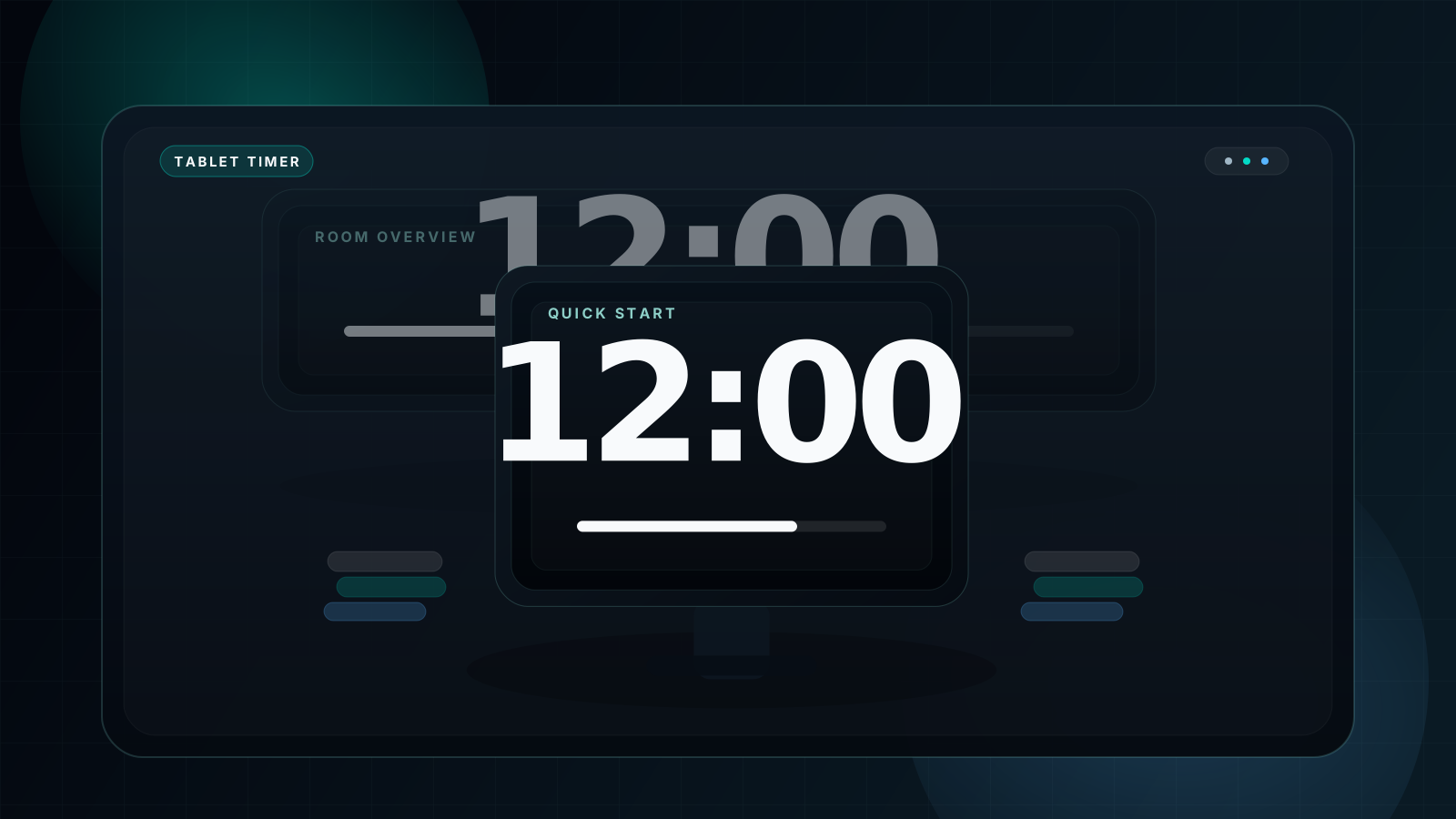
Press F to make the timer claim the screen. Use Space to start or pause, R to reset, and B to cycle backgrounds when you need a fast adjustment mid-session. If you need a deeper theme explanation, use the white vs black screen timer guide.
FAQ
What is the best free large countdown timer online?
A strong free option is one that goes fullscreen instantly, stays visually clean, and scales well on projectors and TVs. That is the core design goal of this timer.
How large can an online countdown timer display get?
It scales to the available display. On a large projector or LED wall the digits become physically large enough to work from deep room positions.
Is there a free alternative to stagetimer.io?
Yes. If you do not need remote stage-control workflows, a free fullscreen timer covers the majority of classrooms, meetings, workshops, and medium events.
Can I use a large countdown timer for outdoor events?
Yes, but bright outdoor conditions need a brighter display or a shaded environment. Light theme can outperform dark themes when the sun is directly competing with the screen.
How do I set up a large countdown timer for a conference?
Connect the venue display, open the timer, choose a readable theme, press F for fullscreen, and start with Space when the session begins.
What font size does a large countdown timer use in fullscreen?
The numerals scale responsively rather than relying on a single fixed font size, which is why the layout works across different screens without manual redesign.
Your Large Countdown Timer Is Ready — No Subscription, No Ads
Professional-grade large countdown timer, completely free. Whether you are running a 10-person workshop or a 500-person conference, open it, set the time, go fullscreen, and start.